GPS Tracker for Older Cars: How to Add Tracking to a Car That Came With Nothing
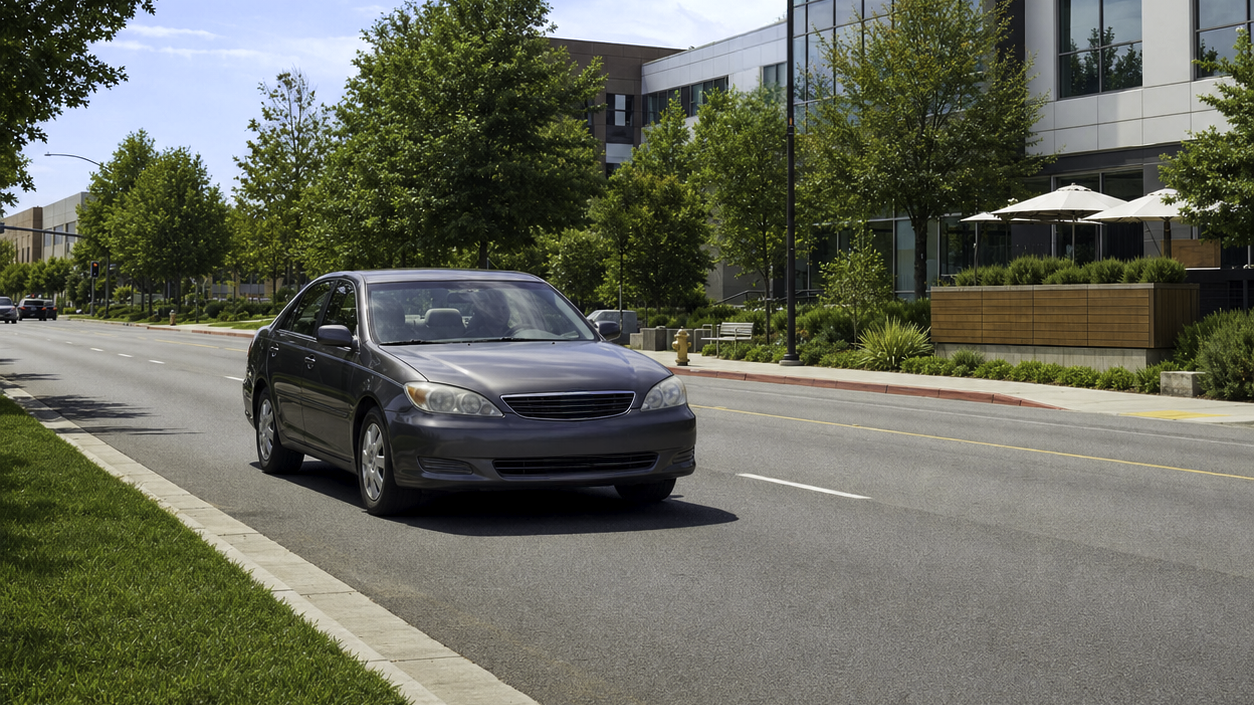
Modern cars come loaded with expansive dashboards and massive screens packed with features. There’s infotainment and other integrated applications, real-time location services, and automated vehicle health reports. If you drive a car built more than a decade ago, it’s easy to assume your reliable daily driver is shut out of all that.
After all, most older cars don’t have connected services. They came with no app. So, you figure you’ll never be able to use your phone to remind you where you parked, or track your car when your teenager takes it out for the weekend. But if you look into a GPS tracker for older cars, you’ll find the job is surprisingly simple, because most vehicles on the road today already have the hardware it needs.
That’s because most gas-powered cars sold in the United States since 1996, and diesel vehicles since 1997, feature the OBD-II diagnostic port. This standardized connection point is all you need to install a plug-in GPS tracker. That means you can now have an app to show you where you parked, see where the car is when someone borrows it, and receive notifications that explain in plain English why the Check Engine light came on.
In this guide on how to add tracking to a car that came with nothing, we’ll show you how to check whether your car qualifies, what a plug-in tracker adds, and how to set one up. Here’s how to add modern connectivity without parting with your reliable daily driver.
Can Your Older Car Take a Plug-In Tracker? The 1996 Line
A GPS tracker for older cars is usually a small device that plugs into the car’s OBD-II port, draws power from the car, and sends location, trip, and engine alerts to an app on your phone. Before you buy one, make sure your car can take it. The short answer is yes if your car is a 1996 or newer gas model or a 1997 or newer diesel, which covers the vast majority of cars on US roads today. That’s because those cars have an OBD-II port, which means they already have the hardware to add the connectivity they never came with.
The OBD-II port exists because federal and California emissions rules required a standardized diagnostic interface on new vehicles. It replaced earlier, less standardized versions of On-Board Diagnostics, which is why model year is the line that matters.
Where Do I Find the OBD-II Port?
You can usually find the OBD-II port under the dashboard on the driver's side, within reach of the steering column. To confirm your car has an OBD-II port, grab a flashlight and look near the footwell for a 16-pin, trapezoid-shaped connector.
Your owner’s manual will also show whether the car has the port and where it is.
What if My Car Is Older Than 1996?
If your vehicle was manufactured before the 1996 model year, it most likely doesn’t have the port, so a plug-in OBD-II tracker won’t work. A small number of 1994 and 1995 gas models did ship with OBD-II, and the emissions label under the hood will say “OBD II” if yours is one of them. If not, you’re still not entirely out of luck.
You can install either a hardwired or battery-powered GPS tracker instead. These devices can’t reach the car’s onboard computer, so they share location only, but they still add some connectivity.
Hardwired GPS trackers must be spliced into a vehicle’s electrical system. Unless you’re comfortable with small electrical wiring in tight places, it may be best to let a professional handle installation. Of course, these services come with fees.
Meanwhile, battery-powered GPS trackers can be installed nearly anywhere in a vehicle. They often come with a magnet so they can be attached to a vehicle’s frame. However, battery-powered units must be periodically removed from your car and recharged.
The bottom line is that a 1996 or newer car gets the full plug-in experience, with location and engine data from one device that never needs charging. A car built before 1996 can still get location tracking, but it takes more installation work or regular recharging, and it won’t get engine alerts.
What a Plug-In Tracker Adds to a Car With No Factory Connectivity
Once you confirm your vehicle has an OBD-II port, a plug-in tracker adds three things the car never came with, which are location tracking, custom alerts, and engine health reporting, all in an app on your phone.
While features vary by vendor, you can expect the app to provide location mapping and a comprehensive trip history right on your smartphone. The app should also let you set up alerts for specific features, such as geofencing.
For example, you can receive a push notification the moment a tracked vehicle arrives at or leaves home, school, or the workplace, a feature families find useful. Many plug-in trackers also use their own GPS and motion sensors to send driving behavior alerts, such as a notification when the car passes a speed you set or brakes hard.
The OBD-II connection also gives the tracker access to engine diagnostics. That means you get plain-language explanations for complicated check engine codes, as well as battery health alerts. Since every mile traveled is logged, you can typically set up customizable maintenance reminders based on how much the car is actually driven.
Why Engine Alerts Matter More on an Older Car
Engine alerts matter more on an older car because older engines are more likely to develop problems, and the car has nothing beyond the Check Engine light to warn you. If you just purchased a high-mileage used car, an OBD-II tracker lets you see how the engine is running and flags diagnostic trouble codes (DTCs) so you can deal with problems before they turn into expensive repairs.
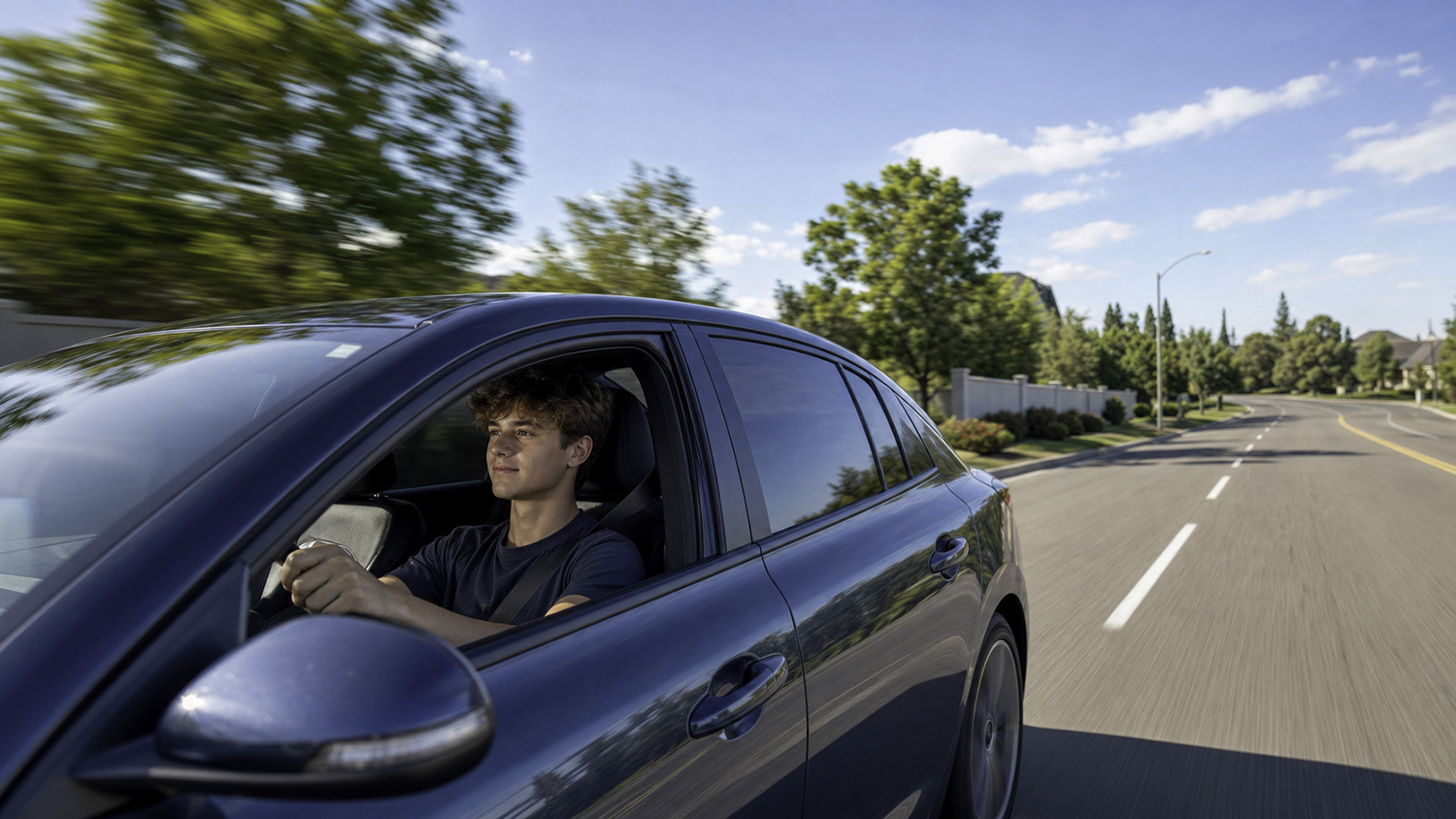
If you hand down an older car to a newly licensed teen, especially a car that hasn’t been driven much lately, the tracker not only helps you monitor engine and battery health, but also lets you keep an eye on the teen’s driving habits. You can monitor their location, review the speeds on each trip, and receive geofenced arrival alerts to ensure they made it to their destination safely. Our guide to devices to prevent teen speeding covers which of these tools actually change the behavior.
Say you just passed down a 2009 sedan to your 16-year-old. It has no built-in app and no factory connected services. A plug-in tracker gives parents arrival alerts and speed alerts at a threshold they choose, and it flags a check engine code on a Tuesday before it becomes a roadside breakdown on a Friday night.
This same monitoring also provides peace of mind in an aging parent’s car. If you have a senior family member, an OBD-II tracker lets you know they arrived safely and helps you spot mechanical issues without constantly asking.
How to Add Tracking to an Older Car, Step by Step
Setting up GPS tracking for older cars is straightforward, as long as you have a compatible vehicle and an open OBD-II port. You don’t need to schedule a mechanic or possess any specialized wiring knowledge; you only need to follow these simple steps:
- Confirm the vehicle’s model year is 1996 or later, or 1997 or later if you are driving a diesel vehicle.
- Find the OBD-II port under the driver's-side dash.
- Download the car tracker app that goes with your device, create your account, create your account, and add the vehicle by following the on-screen prompts, which usually include entering the VIN and scanning the device’s label.
- Push the device firmly into the OBD-II port and watch for its indicator lights to confirm it has power.
- Take a first drive of at least 15 minutes so the device can calibrate and activate, then confirm the trip appears in the app.
- Set up the notifications you’d like to receive, such as geofencing or driving behavior alerts.
- Respond to the notifications the app sends you, such as battery or engine health alerts.
Which Type of Tracker Fits Your Older Car
Your car’s model year decides which kind of tracker it can take.
- 1996 or later (1997 or later for diesels): a plug-in OBD-II tracker is the best fit because it needs no wiring, tools, or batteries.
- Before 1996: your options are a hardwired or battery-powered tracker, which report location but not engine data.
- Engine health alerts: these need a car with an OBD-II port and a plug-in tracker that reads it.
Common Mistakes When Buying a Tracker for Older Vehicles
Buying and installing an OBD-II tracker isn't complicated, but some older-car owners still make mistakes. Here’s what not to do:
- Assuming a car is too old without physically checking the footwell for an OBD-II port.
- Buying a tracking device before confirming it's fully compatible with the specific vehicle.
- Leaving a loose or worn port unchecked, which can keep the device from staying firmly seated.
- Ignoring engine diagnostic alerts because the car "seems fine" while driving.
- Setting no custom alerts and only opening the app when something goes wrong.
How Bouncie Brings an Older Car Online
Many drivers have discovered that Bouncie turns their older vehicle into a modern connected car. Built for simplicity, the Bouncie device plugs directly into the OBD-II port on most passenger cars from 1996 onward, requiring no tools, wiring diagrams, or professional installation fees. Our Bouncie GPS tracker installation guide walks through each step.
Once installed, the Bouncie device delivers the modern connectivity features that matter: live location tracking, trip history, geofencing with our Geo-Zones feature, and driving behavior alerts. It’s a simple way to add these features to an older vehicle, with plug-and-play installation and an easy-to-use smartphone app.
Bouncie also provides diagnostic trouble code alerts translated into plain English, along with battery status alerts. In the Bouncie smartphone app, you will also find other useful features, including automated mileage tracking and the Bouncie Glovebox Organizer, a secure digital filing cabinet for your registration and insurance documents. And for families, Bouncie makes it easy to share access, so that your whole household can monitor a new teen driver or an aging parent’s older car.
FAQs About GPS Trackers for Older Cars
Here are quick answers to the most common questions about adding tracking to an older car:
What year did the OBD-II port start appearing in cars?
Gasoline-powered cars and light-duty trucks sold in the United States from model year 1996 onward generally have an OBD-II port. The same applies to diesel vehicles since model year 1997.
Can I put a GPS tracker on a car without an OBD-II port?
Yes, you can use a hardwired or battery-powered tracker, but you cannot use a plug-in OBD-II device. These trackers report location but don’t read engine diagnostic data, because there is no OBD-II port to connect to.
How do I find the OBD-II port in my car?
In most cars, the OBD-II port is located under the dashboard on the driver's side. Check the vehicle owner's manual to see whether it's hidden behind a plastic trim panel.
Do I need a mechanic to install a GPS tracker in an older car?
Not if your car has an OBD-II port. A plug-in tracker installs in seconds with no tools or wiring. A hardwired tracker for a pre-1996 car is different, because it has to be connected to the electrical system, and many owners have a professional do it.
Will a plug-in tracker show my older car's Check Engine or diagnostic trouble codes?
Yes, if your car has an OBD-II port (model year 1996 or later for gas, 1997 or later for diesel), a plug-in tracker that supports engine diagnostics can read check engine and diagnostic trouble codes.
Your Older Car Is Ready for a GPS Tracker
Modern vehicles ship with an impressive array of electronics. Connected cars will be the norm going forward. But if you prefer to hang on to a car made before connectivity became standard, your vehicle likely already has the gateway to the onboard data that matters: the OBD-II port.
If your gas-powered vehicle is from model year 1996 or later, or 1997 for diesels, you only need a plug-in tracker to add location mapping, customizable alerts, and engine health reporting. If it’s older, a hardwired or battery-powered tracker can still add location tracking.
When you’re ready to see what modern connectivity can do for your older car, learn more about Bouncie for Families.