Geo-Zones Explained: How Fleets and Families Use Geofencing for Real-Time Alerts
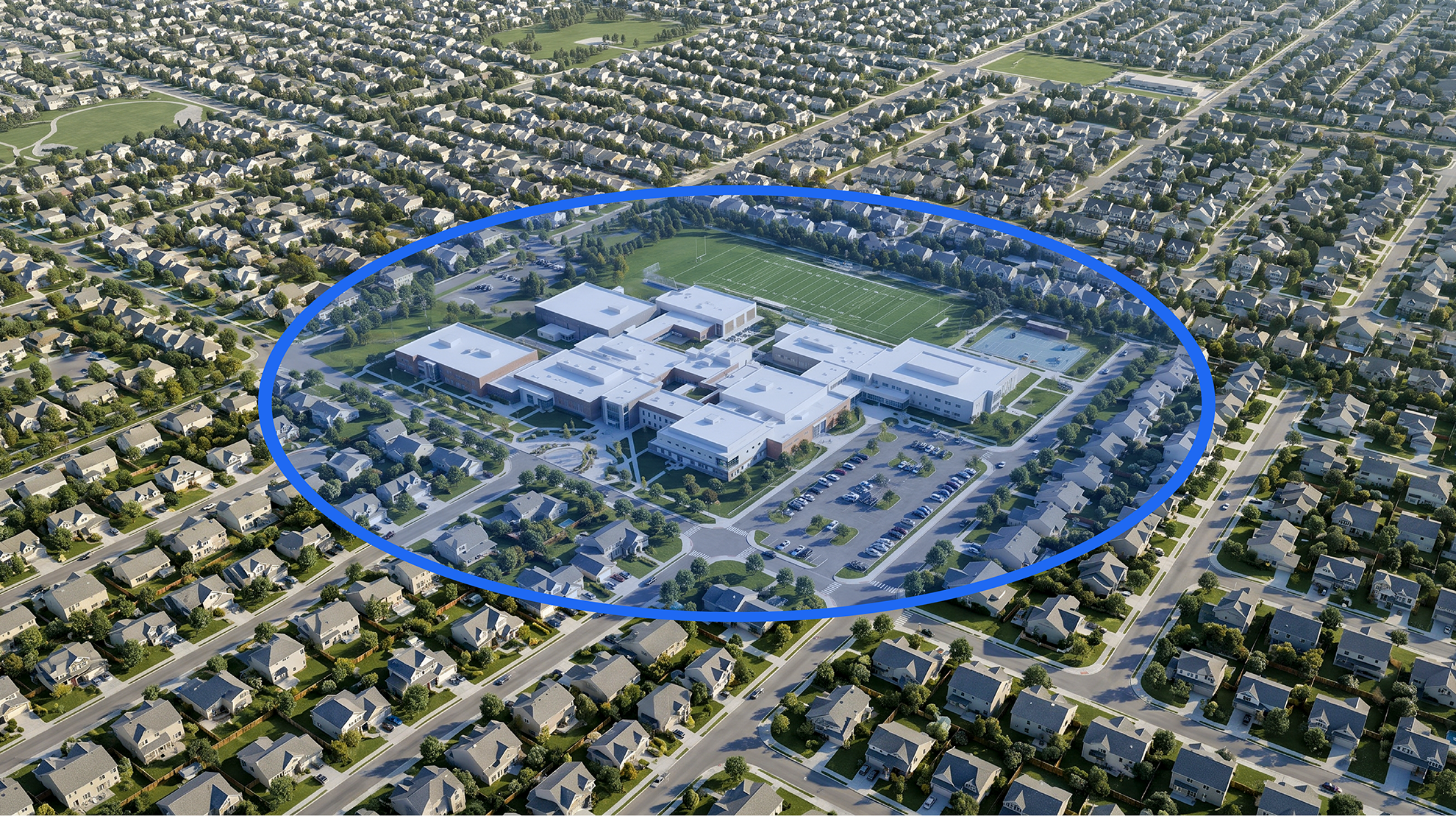
Geo-Zones, the geofencing feature built into Bouncie, change how fleets and families stay informed about vehicle location without requiring constant manual monitoring.
But most location tracking is still reactive. You open an app, check the map, and interpret what you're seeing at that moment. If you don't check, you don't know.
That gap between available data and meaningful awareness is where Geo-Zones come in.
Geo-Zones, also known as geofencing, shift location tracking from something you check manually to something that works in the background. Instead of monitoring movement constantly, you receive an automatic alert when something important actually happens.
A vehicle arrives at a job site. A teen driver gets home. A car leaves an area it shouldn’t. In each case, you’re not just seeing location data. You’re being notified at the exact moment it matters.
Let’s break down what Geo-Zones are, how they work, and how both families and businesses are using them to stay informed without adding more to their day.
What Are Geo-Zones? How Geofencing Works in Real Time
At a basic level, a Geo-Zone is a virtual boundary drawn around a real-world location. This boundary can be placed anywhere, such as a home, a workplace, a school, a job site, or even a broader area like a neighborhood or service region.
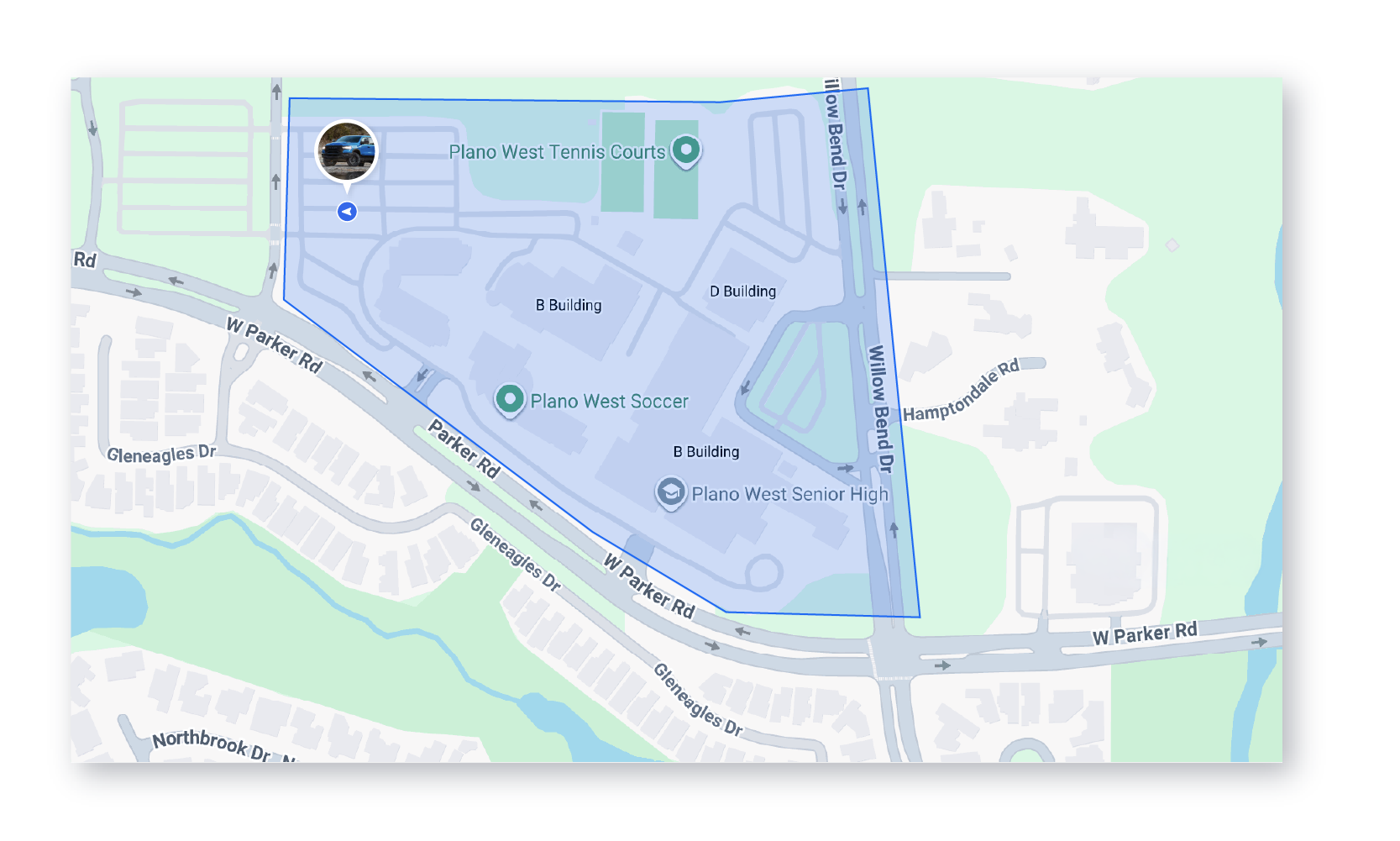
Once a Geo-Zone is created, GPS data from a connected vehicle is used to detect when that vehicle enters or exits the defined area. When that happens, an alert is triggered.
That is the core idea behind geofencing. You define the location once, and from that point forward the system monitors all movement relative to that boundary automatically, in real time.
These alerts happen automatically, so there is no need to check a map or call the driver. The system brings the moment to you. Some examples:
- A fleet manager receives a notification when a vehicle arrives at a customer’s property
- A parent gets an alert when their teen pulls into the driveway
- A business owner is notified if a vehicle leaves a designated area after hours
When a Geo-Zone alert is triggered, Bouncie sends a push notification directly to your phone through the Bouncie app. You do not need to have the app open or be actively monitoring anything. The alert reaches you the moment the vehicle crosses the boundary.
Why Geofencing Alerts Are More Useful Than Manual Location Checks
The real value of Geo-Zones is not just that they track movement. It is that they reduce the need to think about tracking at all.
Without geofencing, staying informed usually means opening an app or a website multiple times a day, calling or texting drivers for updates, or trying to interpret location data without much context. Geo-Zones remove that friction.
You define what matters instead of monitoring everything. Then you let the system notify you when those specific events occur. This creates a more efficient and less intrusive way to stay informed.
For a business, that might mean knowing when a team arrives on site without interrupting their workflow. For a family, it might mean peace of mind that a loved one arrived safely without needing to check in repeatedly.
In both cases, Geo-Zones turn location data into something actionable. You’re no longer just seeing where a vehicle is. You’re understanding what’s happening.
Real-Life Scenarios: What This Looks Like Day to Day
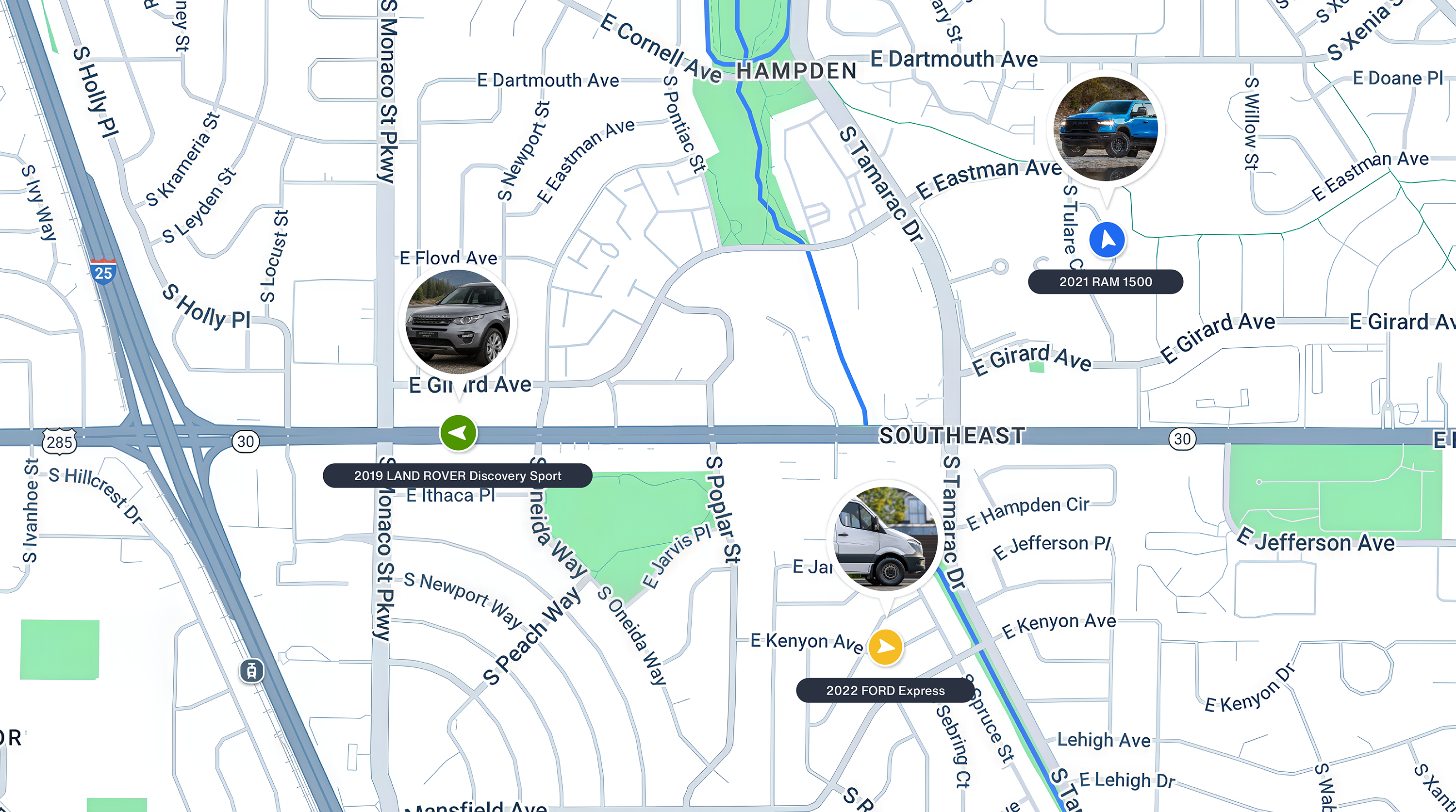
Imagine a service-based business with multiple crews in the field. Instead of calling drivers to confirm arrivals, a manager receives an automatic Geo-Zone alert the moment each vehicle enters a job site. At the end of the day, they can clearly see how long each stop took without relying on manual reporting.
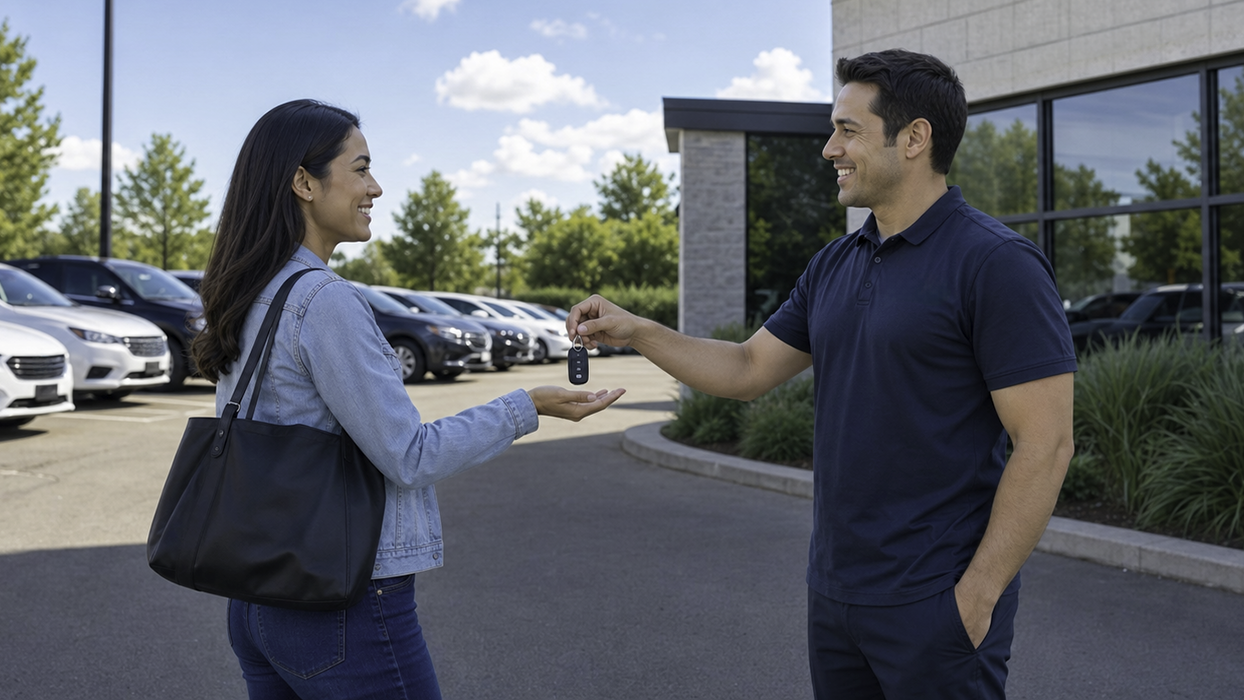
Now shift to a family setting. A parent sets up Geo-Zones around home, school, and a few regular destinations. When their teen arrives at school in the morning, a notification comes through. Later that evening, another alert confirms they made it home safely.
In both scenarios, no one is constantly checking an app or website. The system quietly fills in the gaps, providing updates only when they matter. That is what makes Geo-Zones feel less like a tracking tool and more like a built-in layer of awareness.
How Fleet Managers Use Geo-Zone Alerts to Improve Visibility and Accountability
For businesses managing several vehicles, Geo-Zones are more than a convenience. They’re a practical tool for improving visibility and accountability.
One of the most common uses is tracking arrivals and departures at job sites. Instead of relying on manual updates, a manager can receive a notification the moment a vehicle enters or leaves a location. This creates a reliable record of when work begins and ends, which can be especially valuable for service-based businesses.
For example, a landscaping company can use Geo-Zones to track how long each crew spends at a property. That data can support billing, validate time on site, and even help identify inefficiencies in scheduling.
Geo-Zones are also useful for monitoring unauthorized use. If a vehicle leaves a designated area outside of working hours, an alert can flag that movement immediately. This allows businesses to address potential issues early, whether that’s misuse, unexpected detours, or simple miscommunication.

Over time, these insights help create more consistent operations. Managers spend less time chasing updates and more time making informed decisions. If you manage a fleet and want to see how Bouncie supports your operation, visit our Fleet page to learn more.
To see how GPS tracking supports broader fleet operations, read how GPS tracking transforms fleet management for service-based businesses.
How Families Use Geo-Zones for Safety and Awareness
While businesses use Geo-Zones to improve operations, families use them for a different reason. For parents especially, the primary value is peace of mind.
For parents of teen drivers, Geo-Zones offer a way to stay informed without feeling intrusive. Rather than calling or texting to check in, a parent can receive a notification when their teen arrives at school, leaves a friend’s house, or gets home for the night. This creates a sense of connection without constant communication.
Geo-Zones can also help identify unexpected movements. If a vehicle leaves a defined area when it shouldn’t, that alert provides an opportunity to check in early rather than react later.
The distinction is subtle but important. Geo-Zones are not about constant monitoring. They are about creating awareness at the right moments. That balance makes them especially valuable for families trying to build trust while still maintaining safety.
For a deeper look at how parents are using Bouncie with teen drivers, read our guide on GPS tracking for teen drivers.
How to Set Up Geo-Zones That Trigger Accurate Geofencing Alerts
Like most tools, Geo-Zones are only as effective as how they’re set up.
One of the most important factors is size. If a Geo-Zone is too small, it may not reliably trigger alerts, especially in areas like parking lots where GPS signals can vary slightly. If it’s too large, alerts may become less meaningful because they don’t reflect a precise location.
Finding the right size balance is important, but placement matters just as much. The most effective Geo-Zones are centered on locations that have real significance in your daily operations or routine. When zones are tied to meaningful places, the alerts they generate are naturally more useful.
There are also a few common pitfalls to avoid. Creating too many zones can lead to alert fatigue, where notifications become easy to ignore. When every movement triggers an alert, it becomes harder to recognize which ones actually matter.
This is especially important for businesses managing multiple vehicles. Too many notifications can overwhelm teams and reduce the effectiveness of the system.
The goal is not to track everything. It’s to track what matters, and to do it in a way that keeps alerts meaningful and actionable.
Geo-Zone Setup Best Practices for Fleets and Families
Getting started with Geo-Zones doesn’t need to be complicated. The most effective approach is to begin with a few key locations. For families, that might include home, school, and a few regular destinations. For businesses, it could be primary job sites, office locations, or service areas.
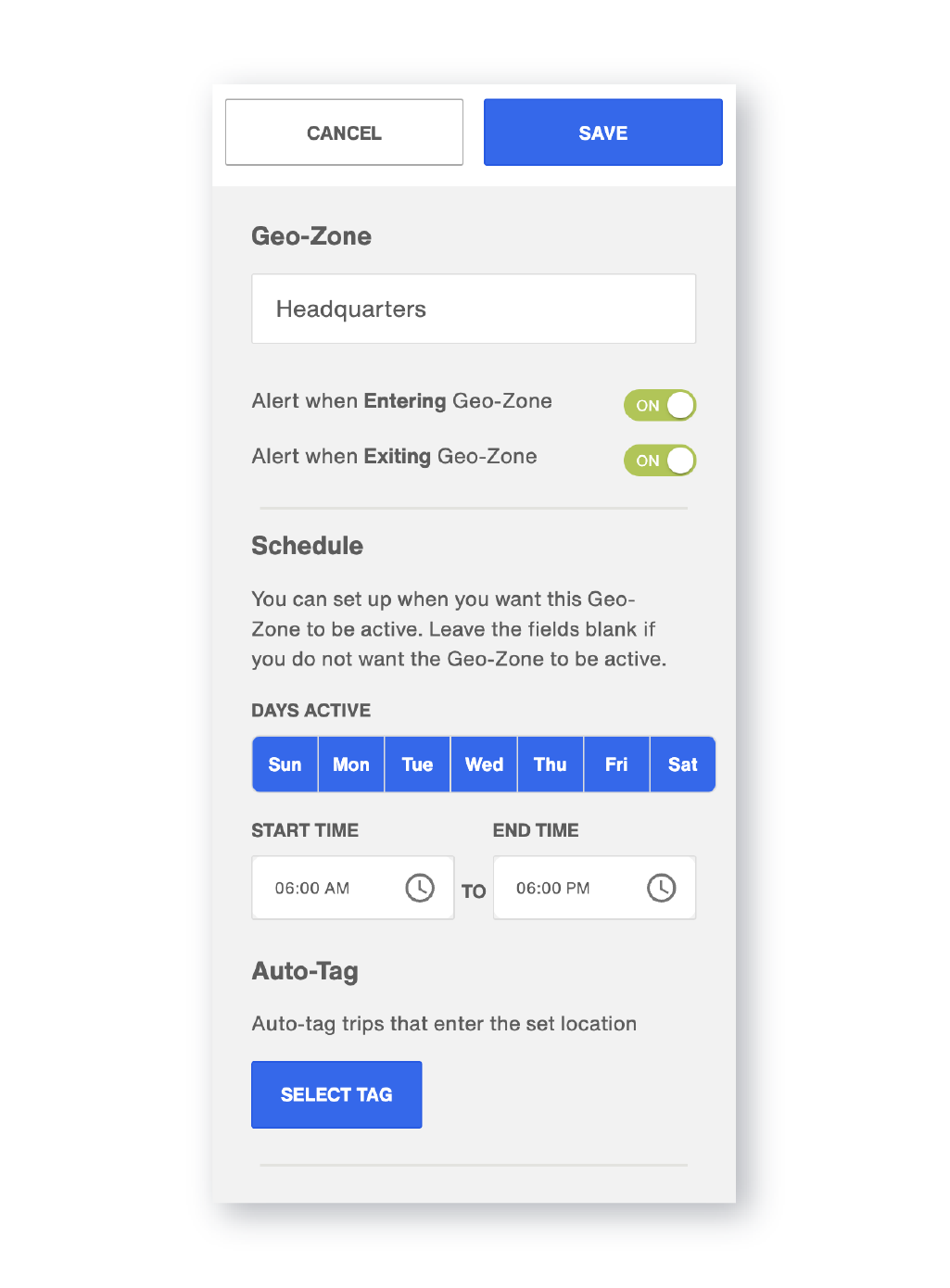
From there, you create zones around those locations and decide what kind of alerts you want to receive. Entry alerts can notify you when a vehicle arrives. Exit alerts can tell you when it leaves. In many cases, using both provides the clearest picture of activity.
Consistency is also important. Geo-Zones are most useful when you rely on them instead of falling back into manual checking. Over time, they become part of your routine without requiring additional effort.
It’s also worth being intentional about how many zones you create. Start small, evaluate how the alerts are working, and expand only when it adds value. This approach keeps the system manageable and ensures that notifications remain helpful, not overwhelming.
For a step-by-step walkthrough, see our guide on how to set up Geo-Zones with Bouncie.
Using Geo-Zones Alongside Other Alerts
Geo-Zones are powerful on their own, but they become even more effective when used alongside other types of alerts.
For example, a business might pair Geo-Zone alerts with driving behavior notifications to understand not just where vehicles are going, but how they’re being driven along the way.
A parent might combine Geo-Zones with curfew alerts to create a clearer picture of when a vehicle leaves or returns home.
When these features work together, they create a more complete picture of activity. Rather than relying on a single data point, you begin to see patterns across where vehicles go, how long they stay, and what happens in between.
This layered approach turns basic tracking into a more connected experience, where each alert adds context to the next.
To explore the full range of alert options available in Bouncie, see how to customize Bouncie notifications and alerts.
How Bouncie's Geo-Zones Deliver Real-Time Geofencing Alerts for Fleets and Families
Bouncie makes it simple to set up Geo-Zones and start receiving real-time geofencing alerts, whether you're monitoring a single vehicle or managing an entire fleet.
Within the Bouncie app, you can create a Geo-Zone by drawing a boundary around any location on the map. Once the zone is saved, Bouncie begins monitoring movement relative to that boundary immediately. When a vehicle enters or exits, you receive a push notification on your phone in real time. No manual checking required.
Geo-Zones are included with every Bouncie subscription at no additional cost, so there is no need to upgrade or purchase add-ons to access this feature. The setup process takes only a few minutes, which makes it easy to start small and expand your zones as your needs grow.
For families, this means immediate visibility into key moments like arrivals and departures without needing to constantly check the app. For businesses, it creates a consistent and reliable way to monitor activity across multiple vehicles without adding extra steps to the workday.
Because Bouncie combines real-time GPS tracking with customizable Geo-Zone alerts, location data becomes part of a larger system that helps you stay informed and make better decisions every day.
Frequently Asked Questions
What is geofencing in simple terms?
Geofencing is the process of drawing a virtual boundary around a physical location and automatically receiving alerts when a tracked vehicle enters or exits that boundary. Geo-Zones are Bouncie's implementation of geofencing.
How accurate are Geo-Zone alerts?
Geo-Zone alerts rely on GPS data, which is typically very accurate. However, small variations can occur depending on location and signal conditions, which is why proper zone sizing is important.
Can Geo-Zones be used for multiple vehicles?
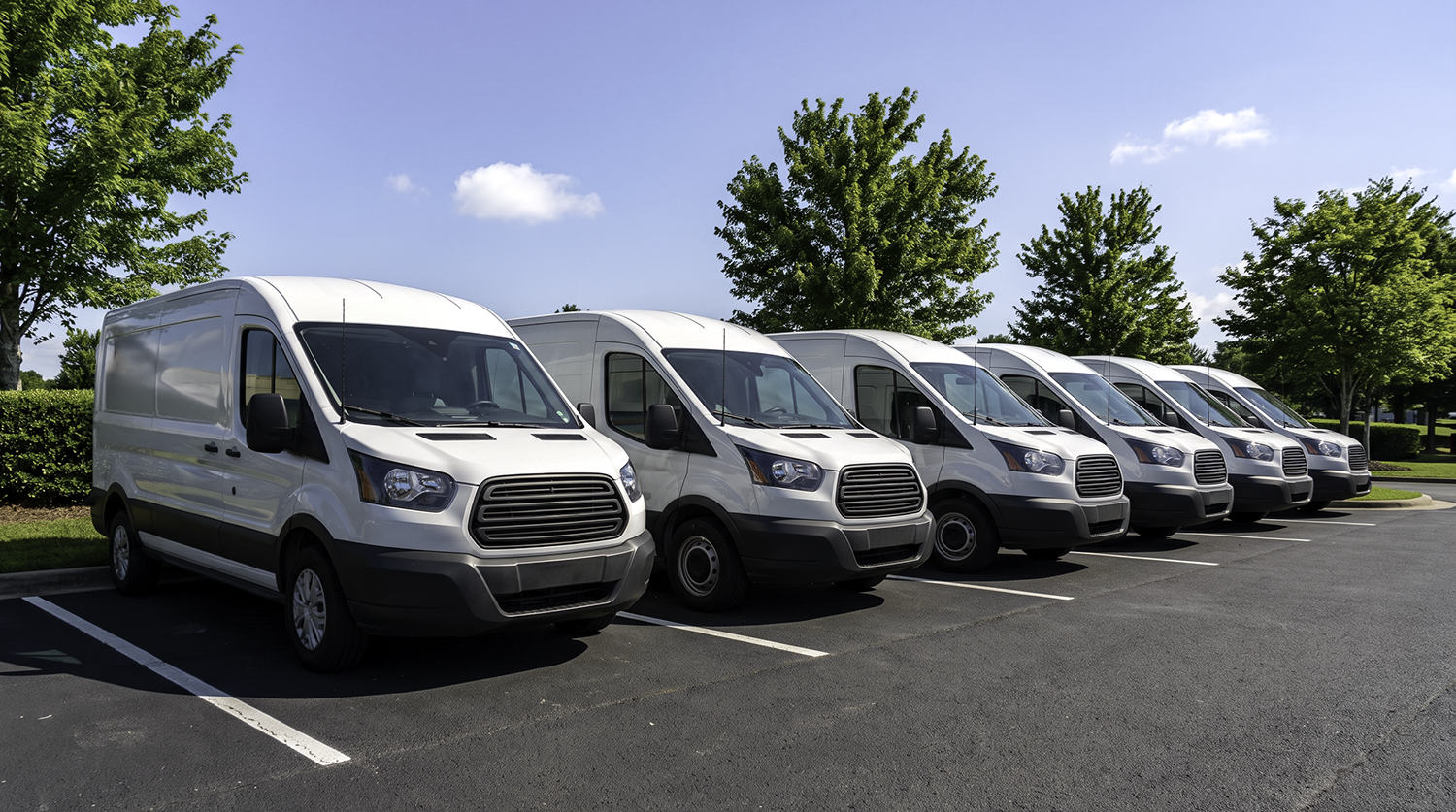
Yes. Geo-Zones can be applied across multiple vehicles, making them especially useful for fleet management.
Do Geo-Zones work on all vehicle types?
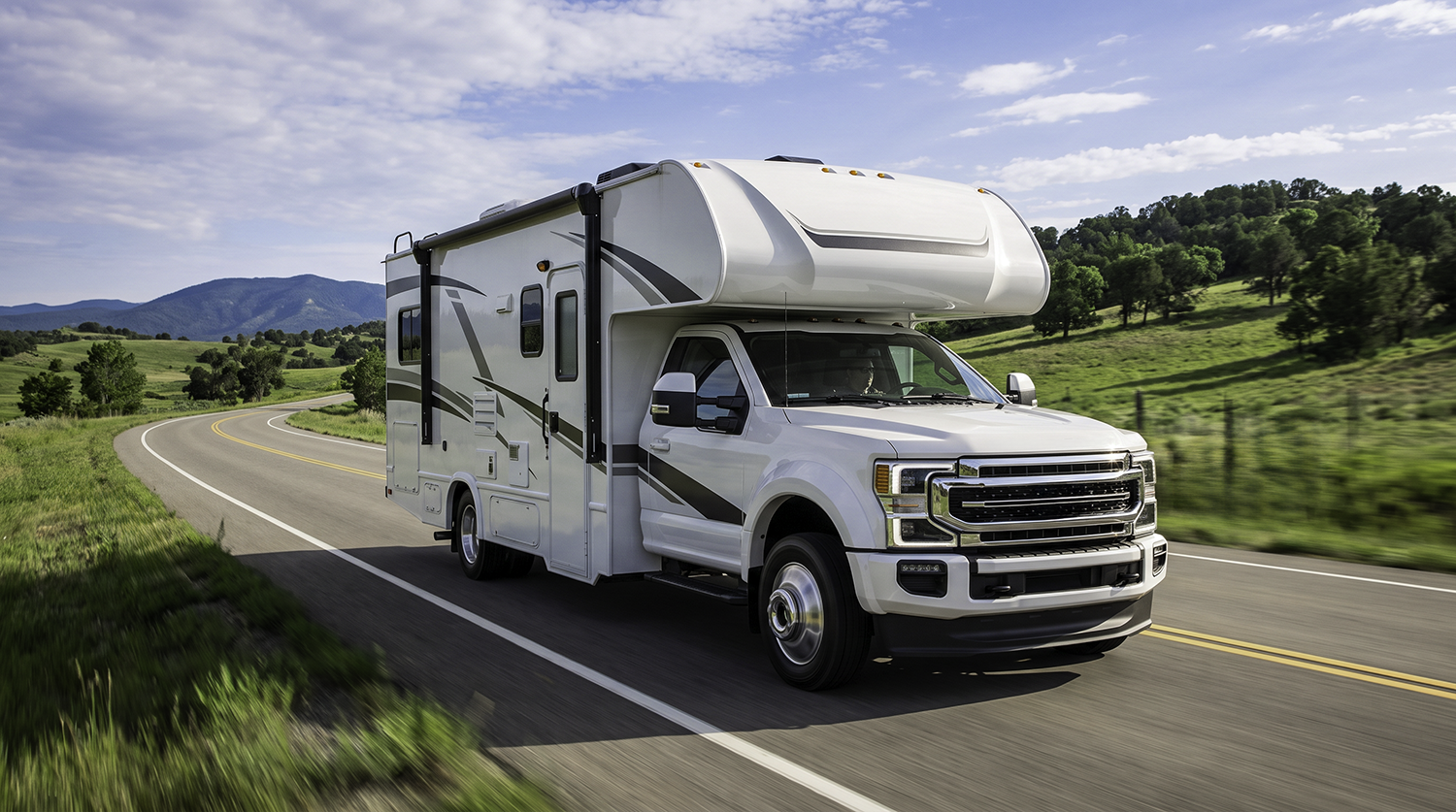
Yes. Because Bouncie uses an OBD-II plug-in device, Geo-Zones work with any vehicle that has a standard OBD-II port, which includes most cars, trucks, and vans made after 1996. No special installation or vehicle-specific configuration is required.
Do Geo-Zones work for both business and personal use?
They do. Geo-Zones are flexible enough to support both operational needs for businesses and safety and awareness needs for families.
Start Using Geo-Zones to Get Real-Time Geofencing Alerts
Geo-Zones represent a simple shift in how we think about location tracking. Instead of constantly checking where a vehicle is, you define what matters and let the system notify you when it happens. That shift reduces effort, improves awareness, and creates a more natural way to stay connected to the movement of your vehicles.
Whether you're managing a fleet or looking out for your family, Geo-Zones turn raw location data into timely, relevant information you can act on the moment it matters.
If you're just getting started, the next step is simple. Identify a few key locations in your day-to-day life and create your first Geo-Zones. In the Bouncie app, this only takes a few minutes to set up, and once it's in place, you'll start receiving alerts that keep you informed without requiring constant attention.
Over time, you can refine your setup, adjust your zones, and build a system that works quietly in the background. That is how Geo-Zones deliver on their core promise of consistent awareness without constant effort.
Ready to get started? Learn more about Bouncie and see how easy it is to set up Geo-Zones for your vehicles at Bouncie.com.