Bouncie’s Impact Detection: How It Works and Why It Matters

Accidents don’t give warnings. They happen in an instant. What you do next can make all the difference. Whether it’s a loved one behind the wheel or a company vehicle on the job, a fast, informed response helps protect both people and property. That’s where Bouncie steps in. With real-time impact detection and instant alerts, Bouncie bridges the gap between uncertainty and action. You’re never left guessing when it matters most.
Peace of Mind for Families
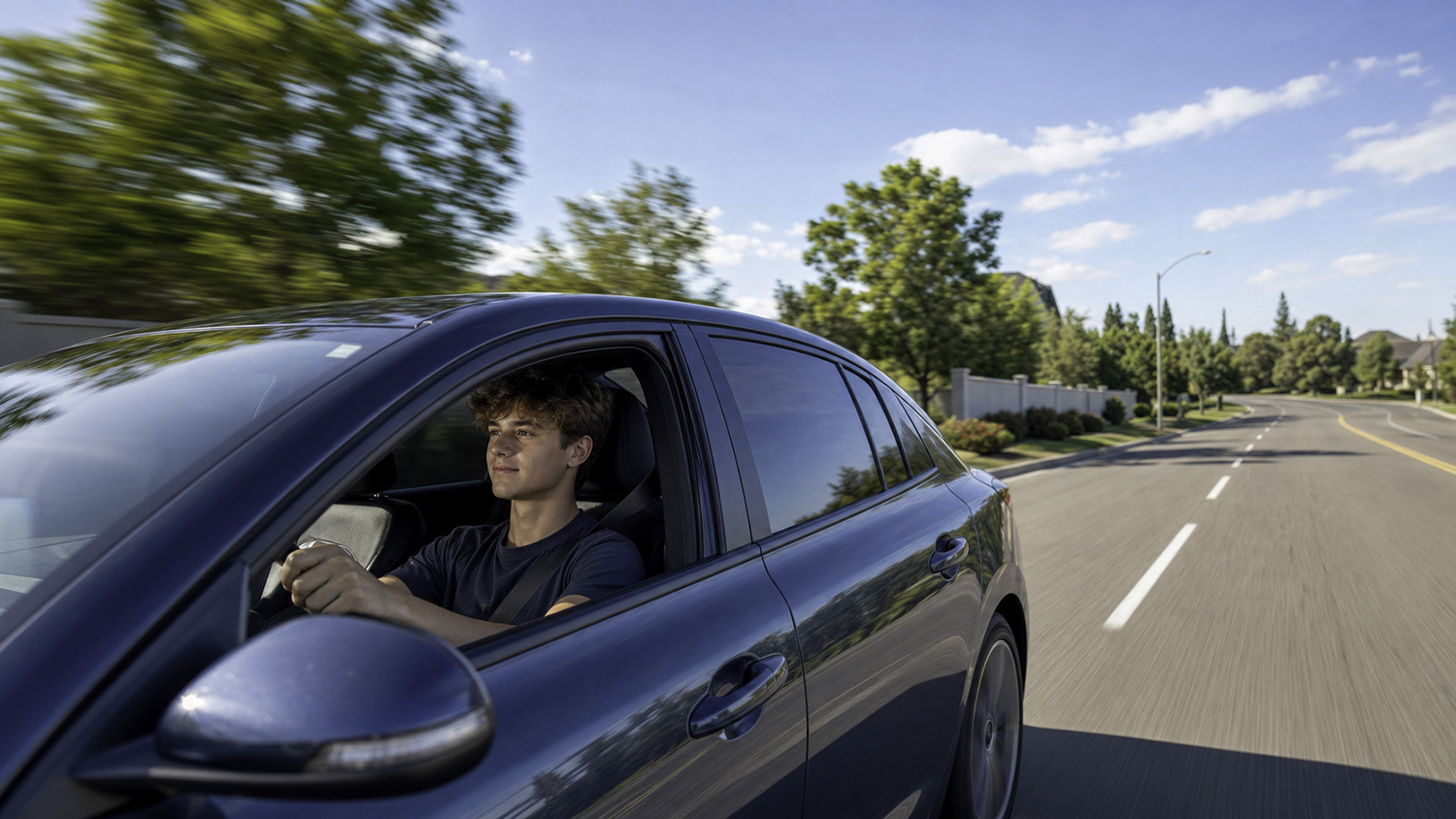
For families, especially those with teen or new drivers, peace of mind can be hard to find. Bouncie helps change that. Its impact detection technology sends instant alerts the moment a collision is detected, so you’re never left wondering if something happened. Whether it’s a minor bump or something more serious, loved ones are notified in real time. That means you can respond quickly and confidently. It’s not just about knowing an accident occurred. It’s about knowing your family isn’t facing it alone.
Quick Accident Response for Businesses
For business owners and fleet managers, staying connected to what’s happening on the road is essential. With Bouncie’s impact detection, you’re notified the moment a vehicle in your fleet is involved in a collision. No delays. No guesswork. Real-time alerts let you take fast action, support your driver, begin documentation, and reduce downtime. It’s a simple, effective way to protect your people, your vehicles, and your bottom line while showing your team that their safety comes first.
How Bouncie’s Impact Detection Works
Bouncie detects a collision using an internal 3-axis accelerometer, the same class of sensor that tells a phone which way up it is held. It measures acceleration along three axes at once, which is what lets the software tell an ordinary change in speed apart from the sudden, violent deceleration of an impact.
The device reads that motion continuously while the vehicle is moving. When the software decides the motion fits a collision rather than ordinary hard braking, Bouncie records the event and alerts you three ways at once. A push notification goes to the Bouncie app, the event appears in the web dashboard under that vehicle’s Notifications tab, and a text message goes to every contact you have added as an SMS recipient. Nobody has to be holding a phone or watching a screen for the alert to arrive.
What arrives is not just a flag that something happened. Open the alert in the app or online and you get the vehicle’s speed before the crash, its direction of travel, and a map showing exactly where the impact occurred. The text message carries a link to the same detail, so whoever gets the text can see the full picture without logging in first.
Impact detection is on by default. What is not automatic is who hears about it, because the text can only go to recipients you have added yourself. If you have never opened the SMS settings, detection is still running and no one is being texted. That is the single thing most worth checking before you rely on it.
Impact detection works only while the vehicle is moving. It is a motion sensor, so it has nothing to read when the vehicle is parked. A door ding in a car park, a trolley rolling into a wing mirror, or a hit-and-run while the car sits outside overnight will not trigger an impact alert. For those, the useful record is trip history, which shows whether the vehicle was parked or mid-trip at the time in question.
Impact detection reports a collision. It does not respond to one. Bouncie tells your chosen contacts that an impact has been detected. It does not place an emergency call, it does not contact a dispatcher, and it is not a replacement for a factory crash-response service. What it removes is the delay between something happening and anyone knowing about it.
How to Enable Impact Detection in the App
To enable Impact Detection in the Bouncie app, follow these steps:
- Tap Notification Settings from the Options Menu [•••], then tap Impact Detection.
- Toggle the Impact Detection & Notification switch on if it is not already on.
- Tap on SMS Alerts to enter the phone numbers for the people you want to receive an SMS text message in the event of a possible collision.
- Tap on the Add Recipient button to add your first contact.
- Enter the required information, select the desired vehicles, and tap on Add in the top right.
- To add additional recipients, tap on the + button in the top right corner and repeat this process.

How to Enable Impact Detection Online
To enable Impact Detection on the Bouncie online dashboard, follow these steps:
- Log in at https://www.bouncie.app
- Click on the vehicle, then click on Notifications. At the bottom of the notifications window, click on Settings.
- Toggle the Impact Detection & Notification switch on if it is not already on.
- Click on SMS Alerts to enter the phone numbers for the people you want to receive an SMS text message in the event of a possible collision.
- Click on the Add Recipient button to add your first contact.
- Enter the required information, select the desired vehicles, and click on the Save button.
- To add additional recipients, click on the Add Recipient button.
How Notifications are Delivered
Impact Detection alerts are delivered in three ways.
- As push notifications from the Bouncie app (based on your device’s notification settings)
- Through the web dashboard under each vehicle’s Notifications tab
- Via SMS text messages to the contacts you’ve selected
If you open the notification through the app or online, you’ll also receive details like the vehicle’s speed before the crash, direction of travel, and a map showing the exact accident location. If the alert is accessed through a text message, a link will be included so you can view these same details.

Common Questions About Impact Alerts
How do GPS trackers detect a crash?
Most use an accelerometer, a sensor that measures changes in motion. A collision produces a far sharper change in speed than braking does, and the tracker reads that spike to decide an impact has happened. Bouncie uses an internal 3-axis accelerometer, which reads motion along three axes at once rather than just one.
Is impact detection turned on by default?
Yes. Detection itself is on from the start and you do not have to enable it. The part that does need setting up is the list of people who get the text. Until you add at least one SMS recipient in Notification Settings, the alert will reach the app and the dashboard but nobody will get a text.
How are impact alerts delivered?
Three ways, at the same time. As a push notification from the Bouncie app, subject to your device’s own notification settings. In the web dashboard, under that vehicle’s Notifications tab. And as a text message to each contact you have added as an SMS recipient. You can add more than one, which is how most families cover both parents. Opening the alert in the app or online shows the vehicle’s speed before the crash, the direction it was travelling and a map of the exact location, and the text includes a link to that same detail.
Can impact detection produce a false alert?
Yes, it is possible. The sensor reads motion, and a small number of events can look enough like a collision to set it off. That is the trade-off in any accelerometer-based system, and it is the right side of the trade to be on, because the alternative is missing a real one. If a text arrives and everything is fine, the trip record will show you what the vehicle was doing at that moment.
Does Bouncie call 911 or send help after a crash?
Bouncie detects an impact and alerts you and the contacts you have chosen. It does not place an emergency call and it does not dispatch assistance. If automatic emergency calling matters to you, that is a separate category of service and Bouncie is not a substitute for one.
Does impact detection work when the car is parked?
No. Impact detection works only on a moving vehicle. If your car is hit while parked, the alert will not fire. Trip history is the record that helps there, because it shows whether the vehicle was parked or driving at a given time.
How is impact detection different from built-in crash response in a newer car?
They answer different questions. A factory crash-response service is built to summon help. Impact detection is built to tell the people who care about the driver that something has happened, on any vehicle with an OBD-II port rather than only on cars that shipped with the feature. If you want help dispatched automatically, that is the factory service’s job, not Bouncie’s.
Stay Informed When It Matters Most
Accidents can happen at any time, but with Bouncie, you’re never caught off guard. Whether you’re watching over your family or managing a fleet, real-time impact detection gives you the clarity and confidence to respond without hesitation. It’s smart technology built to protect what matters most on every trip.
Explore more features and see how Bouncie can keep you connected at bouncie.com.