
The Best Teen Driving App for Parents: Monitor, Guide, and Protect New Drivers
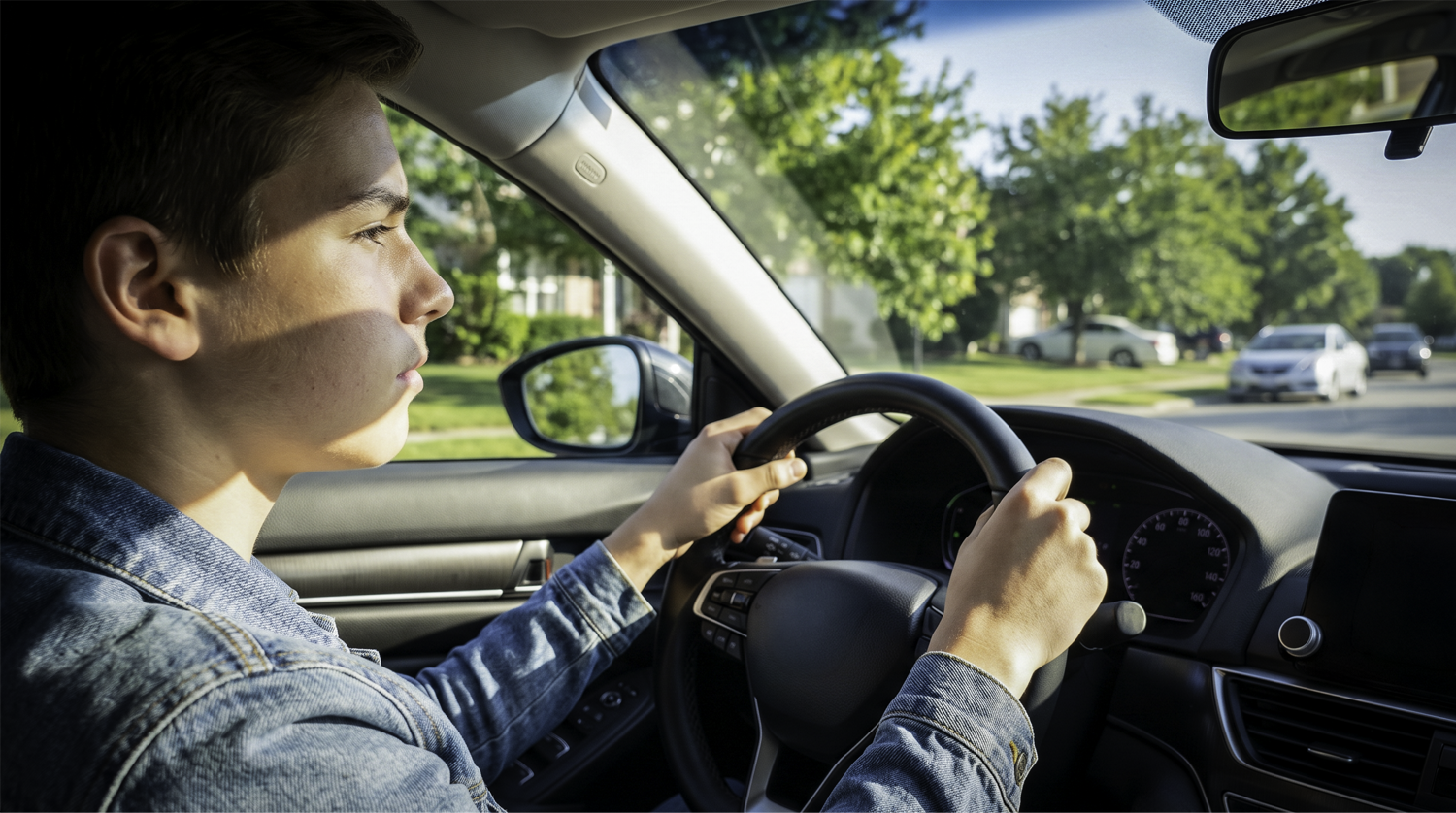
The journey of parenthood is marked by hundreds of milestones, but one of the most conflicting is that moment when you hand over the car keys to a newly-licensed teen driver. You were there with them in the passenger seat, pressing an imaginary brake pedal. You helped them pass the license test and rode shotgun for their initial forays into real-world driving.
But now, they’re going to be out on the road with no adult supervision. You’re filled with a mix of pride and overwhelming anxiety.
A teen driving app can help you see exactly how your new driver performs behind the wheel, from speed and braking to real-time location, without riding along every time. Let's look at what these tools can do, how they work, and how to choose the right one for your family.
Why Parents Need a Teen Driving App: Understanding the Risk
Before diving into the specifics of a teen driver safety app, let’s look at why it’s so important to have one in the first place. Statistically speaking, the transition from a learner's permit to an independent driver’s license is one of the highest-risk phases of a life behind the wheel. Teenagers are eight times more likely to be involved in a crash within three months of earning their license compared to the time with their learner’s permit.
A lot of this comes down to inexperience. Learning how to anticipate hazards, judge distances at high speeds, and react to unpredictable situations simply takes experience. It’s the ultimate “learning on the job” situation, but there’s little room for error. And because a teen’s reflexes and judgment are still developing, they are more likely to react slowly or make the wrong decision.
Inexperience is made worse by the rush of newfound freedom, which can push new drivers toward dangerous habits like speeding and distracted driving. Smartphones, loud music, and peer passengers can easily pull a new driver's eyes and mind away from the road. For teens who may work after school or just stay out a little later, the reduced visibility associated with nighttime driving also increases the potential for accidents.
As a parent, your natural instinct is to provide guidance that helps your child avoid these risks. However, basic teen driving safety tips can only go so far when you don't know if they are following the speed limit, ignoring stop signs, or taking corners too fast. This is why a teen driving app is worth considering. It gives you the technological oversight to identify and address real issues as they happen.
What a Teen Driving App Does and How It Works
A teen driving app gives parents real-time visibility into where their teen's vehicle is, how fast it is moving, and how safely it is being driven. The goal is not surveillance. It is actionable insight that helps you have better conversations, correct unsafe habits early, and stay connected to your teen's progress behind the wheel.
Here are the features of a teen driving app that help accomplish those goals:
- Real-time location tracking: With real-time GPS tracking, you always know where they are. With a quick look at your phone, you can see if they are on their way home, stuck in traffic, or safely parked at a friend's house.
- Trip history and route visibility: In addition to real-time visibility, a GPS tracker for teen drivers provides trip history and route data. At the end of the day, you can review the routes your teen drove. Did they take the safer, well-lit main roads as agreed upon, or did they take a shortcut through a tricky, unlit neighborhood? Now you can know for sure.
- Driving behavior insights: The app runs in the background, logging key metrics such as speed, rapid acceleration, and hard braking.
To picture how it works, imagine your teen is driving home from a late band practice. Instead of texting them to ask where they are, which could distract them from safe driving, you simply open your teen driver safety app. You can see their vehicle icon moving steadily down the highway, well within the speed limit. A few minutes later, you get a notification that they have parked in your driveway. This is the core value of a teen driving app. You stay informed and your teen stays focused on the road.
Hardware-based teen driving apps work in three steps. First, a small device plugs into the OBD-II port under the dashboard. Second, that device reads vehicle data in real time, including speed, braking, and engine status, and transmits it over a cellular connection. Third, that data is delivered to a parent-facing mobile app, usually within seconds. No action is required from the teen, and the device works independently of any smartphone.
The Difference Between Monitoring and Micromanaging
Teens often push back when they feel monitored too closely, and that reaction is understandable. The goal of a teen driving app is not to control every decision your teen makes behind the wheel. It is to give you enough visibility to step in when it matters and stay out of the way when it does not.
Here are some tips for keeping the focus on monitoring:
- Avoid constant surveillance: Don’t watch the little dot that represents your teen’s car move across the map every single second they are behind the wheel. Let the app do the work and notify you if something is wrong.
- Use data to guide conversations: If you notice a pattern of speeding or harsh braking, avoid a reactive confrontation. Instead, use the data to start a calm conversation about what you observed and coach them toward better habits.
- Set expectations: Let your teen know that you expect to see them driving within the speed limit and going where they’re supposed to. Holding teens accountable for their driving is much easier when they know the standards they’re expected to meet.
- Review trips together weekly: Sit down for five minutes on a Sunday evening, look at the week's trip history, praise good habits, and identify one area for improvement.
Features That Actually Improve Teen Driver Safety
Not every feature in a teen driving app improves safety. Some solutions add complexity without adding value. The features that actually matter are the ones that give you clear, actionable information without overwhelming you or making your teen feel monitored at every turn.
To protect your new driver and remain their parent rather than Big Brother, look for a driving tracker for teens with just the core features:
- Real-time location updates. Knowing where your teen's vehicle is located in real time provides immediate peace of mind and is critical in the event of an emergency or breakdown.
- Speed and driving alerts: Look for an app that tracks not just top speed, but overall driving dynamics. Alerts for hard braking, rapid acceleration, and speeding provide the necessary context to understand how your teen is driving, not just where they are going.
- Geofencing for location notifications: Geofences allow you to draw virtual boundaries on a map (such as around their high school, your neighborhood, or a specific town). You receive notifications when the vehicle enters or exits these zones. This saves you from constantly checking the map.
- Trip history: Logs of past trips are great for identifying your teen’s true driving patterns. Look for a system that not only logs data but also has an easy-to-use reporting feature that lets you review past trips.
Common Mistakes Parents Make When Using Driving Apps
Even with the right app in place, how you use it matters. These are the most common mistakes parents make that undermine the effectiveness of a teen driving app and how to avoid them.
Only using the app after incidents: Waiting until your teen gets a speeding ticket or is involved in a fender bender to check the app defeats the purpose of preventative monitoring. The goal is to catch bad habits before they result in an accident.
Over-monitoring and breaking trust: Calling your teen every time they go 2 mph over the speed limit is a surefire way to damage their trust and make them resent the app. Give them the space to learn and make minor corrections on their own.
Ignoring patterns in driving behavior: Depending on the seriousness, a one-time incident may not be worth worrying about. Instead, you should look for the broader patterns found in your teen’s driving data. For example, a single hard braking event might have been an appropriate reaction to a squirrel running into the road. On the other hand, a consistent daily pattern of hard braking means they are distracted or tailgating.
Not setting rules up front: Installing the app in secret or failing to establish clear driving rules before handing over the keys sets everyone up for failure. Rules regarding speed, curfews, and passengers must be clearly communicated.
How to Choose the Best Teen Driving App for Your Family
Choosing the best teen driving app comes down to matching the tool to your family's specific needs. The right solution gives you the information you actually use, in a format you can act on, without creating friction between you and your teen.
Here’s a five-step plan for choosing the right teen driving app for your family:
- Define your goals: Are you simply trying to know when they arrive at school, or do you want deep insights into their braking, acceleration, and speed to help them become better drivers? If it is the latter, a dedicated vehicle tracker is necessary.
- Look for real-time tracking and trip history: Ensure the solution updates frequently (ideally every few seconds or minutes, not just when a trip ends) and stores historical data for you to review.
- Evaluate ease of use: The app should be intuitive for you to navigate. If the dashboard is too complex, you won't use it.
- Choose something that supports communication: The app should present data clearly enough that you can easily share and discuss the findings with your teen.
- Set expectations early: Before you even purchase the app, have a conversation with your teen about why you are getting it and how you plan to use it.
Common Mistakes When Choosing an App
Following the above five steps will help you get what you need. Just make sure to avoid these common mistakes parents make when choosing an app:
- Selecting based on features instead of usability: An app with 100 confusing features is worse than an app with five features that work flawlessly.
- Not involving the teen: If they feel like the app is a punishment rather than a safety tool, they will look for ways to circumvent it.
- Using alerts without context: Choosing a system that only sends alarms without providing trip context can lead to unnecessary panic and arguments.
Phone-Based Apps vs. OBD-II Trackers: What Is the Difference?
Most teen driving apps fall into one of two categories: phone-based apps that rely on your teen's smartphone to track location, and hardware-based trackers that plug into the vehicle itself. Phone-based apps depend on the teen having their phone on, charged, and not in airplane mode. A hardware-based solution like Bouncie plugs directly into the OBD-II port found in virtually all vehicles made after 1996. This means tracking starts the moment the vehicle is running, regardless of whether your teen's phone is present or powered on.
Frequently Asked Questions About Teen Driving Apps
What is a teen driving app?
A teen driving app is a tool that lets parents monitor a new driver's location, speed, and driving behavior in real time. Most connect through a small device that plugs into the vehicle's OBD-II port and sends data to a parent-facing mobile app.
How is a teen driving app different from Apple Find My or Google Family Link?
Apps like Apple Find My show you where a phone is located, not where a vehicle is or how it is being driven. A dedicated teen driving app tracks the car itself through the OBD-II port, providing speed data, trip history, and driving behavior alerts that phone-based location tools cannot offer.
Should I tell my teen that I am using a driving app?
Yes. Transparency builds trust and makes the app more effective. When teens understand why the app is in place, they are more likely to treat it as a safety tool. Setting clear expectations upfront leads to better outcomes than installing the app without discussion.
Do I need to install anything on my teen's phone?
With a hardware-based solution like Bouncie, no installation on your teen's phone is required. The device plugs into the OBD-II port and operates independently. You access all data through the Bouncie app on your own device.
Why Bouncie Is the Best Teen Driving App for Parents
Many products claim to offer teen driver monitoring, but most are built around feature lists rather than parent experience. Bouncie is different. It is designed to give parents the real-time location tracking, driving behavior alerts, trip history, and geofencing that actually matter, packaged in one easy-to-install device that takes seconds to set up.
It is not just parents who have taken notice. After rigorous hands-on testing, both Car and Driver and Road and Track awarded Bouncie their Best Overall GPS tracker, praising the app experience and the range of alerts built around what parents need.
Bouncie plugs directly into the OBD-II port under your dash. Within seconds of installation, it starts to send data to the intuitive Bouncie mobile app. Bouncie delivers real-time location and trip insights with updates every few seconds while your teen's vehicle is in motion.
More than just a GPS tracker, Bouncie can also monitor teen driving habits. It captures precise data on events like speeding, hard braking, and rapid acceleration. It also offers geofencing through Bouncie Geo-Zones. You can access all of this and receive notifications directly through the Bouncie app.
The Best Teen Driving App Available Today
Watching your teen drive off on their own for the first time is a milestone you never forget. The anxiety is natural, and now you have a practical way to address it. A teen driving app gives you real-time visibility, driving behavior data, and the peace of mind that comes from knowing you can step in when it matters. Bouncie delivers all of that in one simple, affordable device that installs in seconds and works from day one.
Learn more about Bouncie and start protecting your teen driver today.