RV GPS Trackers: How to Keep Tabs on Your Motorhome
Shopping for an RV GPS tracker is harder than it should be. There are dozens of options built for cars, trucks, and vans, but almost nothing marketed specifically for a motorhome. The good news is that the right device for your rig probably already exists, and finding it comes down to one question, which is whether the RV you want to track has its own engine and OBD-II port. That single question matters because RVs are used and stored very differently from the cars most trackers are designed around.
Consider how that difference plays out day to day. A commuter car gets checked every morning without you thinking about it, so you would notice within hours if something were wrong. A motorhome can sit in a storage lot across town for weeks between trips. RV ownership data puts median annual use at about 30 days, which leaves roughly eleven months a year when the rig is parked somewhere and you are not looking at it. An unauthorized move, a relocation by the facility, or a rig that simply is not where you left it can go unnoticed for a long stretch.
Picture arriving at a storage facility to prep for a trip and finding the rig is not in the space you rented, with no way to know when it moved or who moved it. Visibility is what closes that gap, and it is the reason RV owners start looking at GPS tracking in the first place.
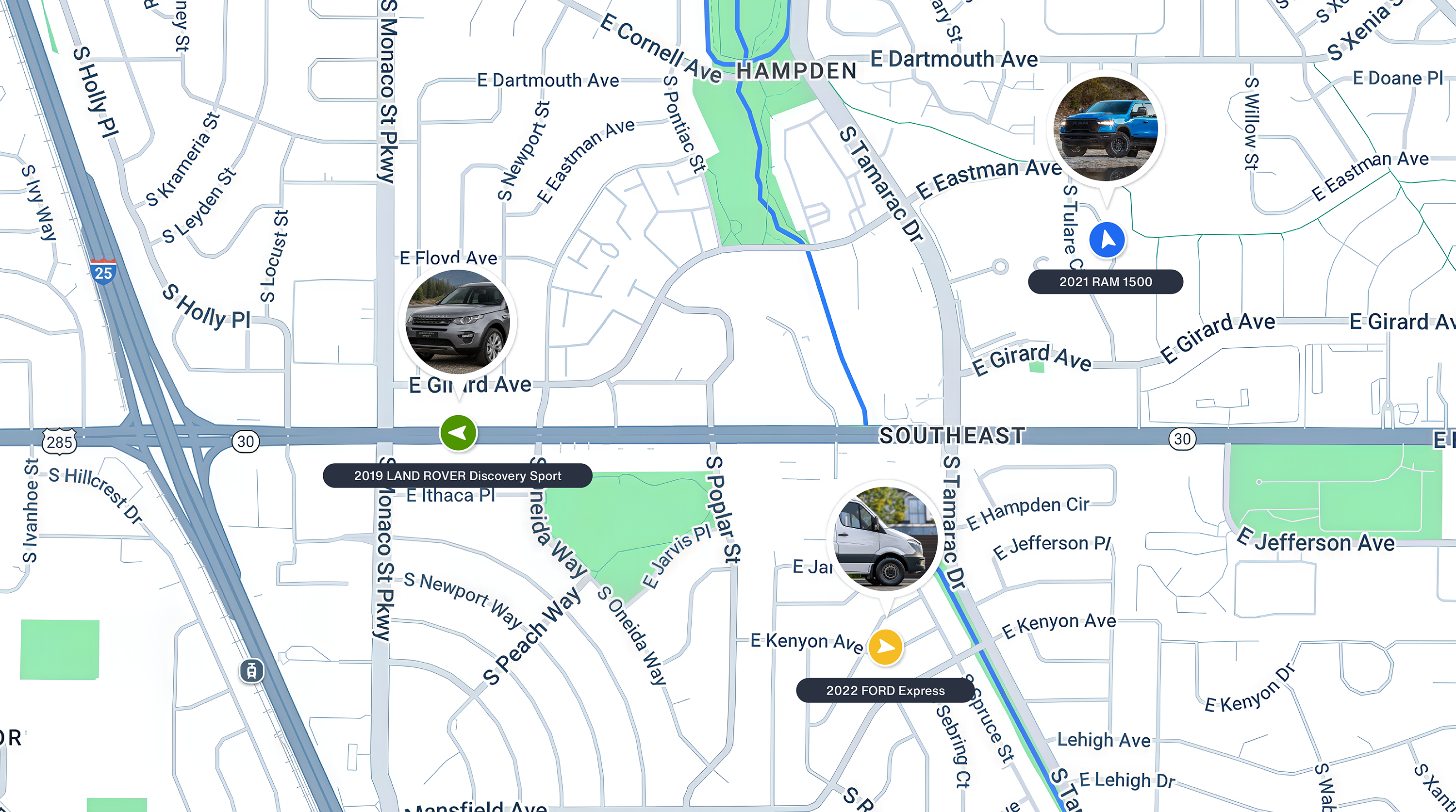
So what is an RV GPS tracker? It is a device that reports a recreational vehicle's location to a smartphone app over a cellular network, and it is the same core technology used to track a car, applied to a vehicle that spends far more time parked. For a drivable motorhome, that usually means a tracker plugged into the OBD-II port. For a travel trailer or fifth wheel, there is no engine and no port, so the practical answer is to track the truck or SUV doing the towing. This guide covers how each situation works, the features that matter for storage and for travel, and a five step method for evaluating a device before you buy.
How RV GPS Tracking Works, and What Your Rig Can Use
The main frustration when searching for an RV tracking device is that you keep running into the same advice.
“Just get an OBD-II GPS tracker and plug it into the RV’s OBD port.”
The OBD port is a standard feature on essentially all gas-powered passenger vehicles made since 1996, which is why the plug-in approach dominates the GPS tracker market. OBD-II GPS trackers are an excellent option for personal and business cars, trucks, and vans because installation is as easy as it sounds. You plug it in. The tracker then collects and transmits not only location data, but also engine diagnostics, miles traveled, and driving behaviors.
The problem is that not all RVs have an OBD port.
This makes the advice above only partly useful. If your RV has the required port, that’s a good start. However, it doesn’t guarantee the tracker’s software will meet your goals, whether that is keeping an eye on a rig in storage or following a trip in progress. The RV Industry Association splits the market into the two main categories of RVs, which are motorized units and towables, and that split is exactly what determines your tracking options. Here is how to tell which one you have and what to do in each case.
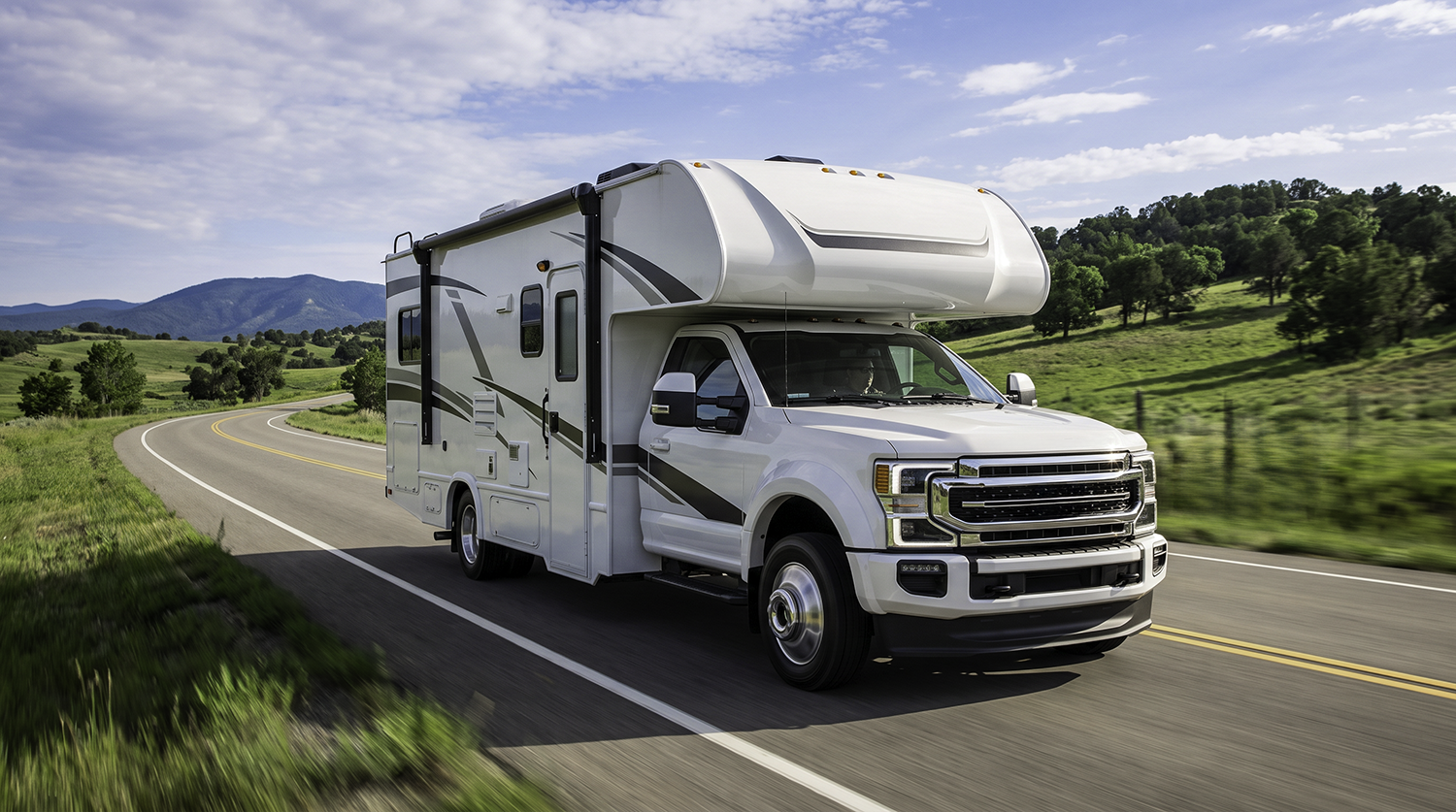
- Drivable motorhomes (Class A, B, and C). Most gas-powered motorhomes have a standard OBD-II port on the drivetrain side, so an OBD plug-in device works the same way it does in a passenger car. Larger diesel motorhomes built on heavy commercial chassis sometimes use a different diagnostic standard, so locate and confirm your port before you buy.
- Towable RVs (travel trailers and fifth wheels). A towable has no engine and no OBD port, which means there is nothing for a plug-in tracker to connect to. The practical approach is to track the tow vehicle instead. Because a trailer only moves when something is pulling it, knowing where your truck is tells you where your fifth wheel is every time it leaves the lot.
You may also come across standalone battery-powered trackers, which are sometimes suggested for trailers. They are worth understanding so you can judge the trade-off for yourself. Because they never connect to a vehicle's onboard computer, they report location only, with no engine diagnostics, no mileage, and no driving behavior data. They also have to be recharged or have their batteries replaced on a schedule you have to remember, while an OBD-II device draws power from the vehicle and needs no upkeep at all. For most towable owners, putting a plug-in tracker in the tow vehicle delivers more useful data with less maintenance than mounting a battery unit on the trailer.
So tracking an RV comes down to what your rig can physically connect to. Here is how that resolves by RV type.
Notice that three of those four rows come back to the same answer, which is a plug-in tracker in whatever vehicle has the engine.
RV Storage Monitoring and the Features Car Trackers Skip
The next thing to consider is how a tracker handles a vehicle that may sit parked for months. For most owners, the priority while the rig is stored is simple awareness, which means knowing it has not moved and getting told immediately if it does. That calls for a specific set of features many car-focused trackers treat as secondary.
Here are the features you need:
- Geofencing: The tracker’s software should allow you to draw a geofence around the storage lot or your driveway so any movement (not just the engine turning on) triggers an immediate alert.
- Low power draw while parked: A tracker that reports location while the engine is off should sip power rather than pull steadily on the RV's battery. Ask how the device behaves during long idle periods, and pair it with the way you already store the rig, whether that is shore power, a battery maintainer, or nothing at all.
- Tamper alerts: Look for software that sends notifications when someone tries to disconnect the tracking device.
- Vehicle health visibility: Battery and diagnostic notifications are worth having for a rig that sits through a cold season, since a stored vehicle's problems tend to surface the moment you try to use it.
Taken together, these are the features that separate a tracker you can rely on through an off-season from one built only for daily driving. Many car-focused trackers cover two or three of them, so treat the full list as your checklist when comparing options rather than assuming any tracker handles a parked vehicle well.
RV Tracking on the Road, and Which Features Matter While Traveling
When your RV moves from seasonal storage to the open road, your tracking needs change with it. On the road or parked at a campsite, an RV tracking device should offer the following.
- Real-time location sharing lets family members or travel partners in a second vehicle follow along without resorting to a group text every 20 minutes to ask for your location.
- Trip history lets you view past routes you've traveled. This feature is especially important for RVs, since sudden detours around low bridges or weight-restricted roads are common. By viewing past trips, you know which routes to take and which ones to avoid.
- Alerts for driving behaviors such as speed and harsh braking are useful for anyone who lends out their RV or rents it out on a car-sharing platform.
- Strong cellular coverage matters, given where RVs tend to travel: remote camping areas, national parks, and other places far from the big city. The term “cellular-enabled” is popular in marketing materials, but check the tracker’s actual coverage area before buying.
Here is the point worth holding onto. A tracker does not have to be marketed as an RV device to work well on one. If it covers the storage features above and the travel features here, it will serve your rig regardless of how it is labeled, which is why the search is less about finding an RV-branded product and more about matching capabilities to how you store and drive.
Choosing the Right Tracker for How You Actually Use Your RV
You now know which vehicle to track and which features matter. The remaining question is how to match a tracker to the way you actually use your RV. Here is guidance for four common situations.
- If you travel in your RV frequently or full-time, an OBD vehicle tracker is your best bet because it offers real-time location data, trip history, and vehicle diagnostics, similar to what you get with a GPS device for standard passenger cars.
- If you have a towable that you take out on weekends or seasonally, put the tracker in your tow vehicle and set a geofence around the storage lot. You will get an alert the moment the truck arrives to hitch up, which tells you the trailer is moving and whether you authorized it.
- If you lend or rent out your RV, you need a solution with driver-behavior alerts and multi-user sharing capabilities so more than one person can actively check on the rig.
- If your RV spends most of its time in a remote storage area, confirm the cellular coverage at your specific storage location, rather than trusting vague "nationwide coverage" marketing language.
The pattern across all four scenarios is the same. Identify which vehicle has the engine, then match the feature set to whether that vehicle is mostly parked or mostly moving.
What an RV GPS Tracker Costs
Pricing for RV tracking has two parts, which are the device and the ongoing service. Hardware for a plug-in tracker generally runs somewhere between $80 and $200. Almost every cellular tracker also carries a monthly or annual subscription, because the device needs its own data connection to report location, and that recurring fee is where the real long-term cost sits rather than at checkout.
Bouncie prices the device once and charges a flat monthly rate per vehicle, with a lower per-vehicle rate once you are running three or more devices. That volume tier matters more for RV owners than it might first appear, because plenty of households cover a motorhome, a tow vehicle, and a daily driver on the same account. Current device and service pricing is listed on the Bouncie site. When you compare any plans, confirm that geofencing, alerts, and multi-user access are included in the base rate rather than sold as add-ons, because a low headline rate that bills extra for the features you actually need is not a low rate.
How to Evaluate an RV GPS Tracker Before You Buy
Now comes the step where you evaluate actual products. With everything above in hand, the selection process for the best GPS tracker comes down to five checks.
- Determine which vehicle you are actually tracking. If your rig is a drivable motorhome, locate and confirm its OBD-II port. If it is a towable, the vehicle to track is the truck or SUV that pulls it, and that vehicle almost certainly has a port.
- Decide how the tracker will be powered. A plug-in device draws from the vehicle and needs no attention. If you are considering a standalone battery unit instead, know that advertised standby time assumes minimal reporting, so frequent location updates will drain it noticeably faster than the number on the box.
- Research the tracker’s cellular coverage. If possible, test its connectivity at your actual storage location and along your most-traveled routes.
- Confirm that geofencing and tamper-alert features are included in the base price, not locked behind a more expensive tier.
- Ensure the software supports multiple users so you can add a spouse, co-owner, or renter to the app.
Pro tips for choosing the right tracker: If your rig spends most of the year parked, prioritize geofence alerts that fire on movement and confirmed coverage at the lot, because refresh rate barely matters for a vehicle that is not moving. If you drive it often, prioritize continuous real-time tracking and engine diagnostics instead.
Mistakes to avoid: Don’t buy a car-focused OBD tracker for a towable trailer without an OBD port to plug it into. Don’t assume "nationwide coverage" guarantees a strong signal at your specific remote storage lot or favorite campground. Don’t downplay the importance of tamper alerts, which are especially helpful for an RV that sits parked for long stretches. Finally, if you lend or rent out your RV, don’t pick a solution without support for multiple users.
What to Expect From the Bouncie App on an RV
Bouncie is an OBD-II tracker, which makes it a fit for drivable motorhomes with a standard OBD-II port and for the truck or SUV you use to tow a trailer. Installation means plugging the device into the port and activating it in the app, with no wiring and no professional install. From there you get real-time location, trip history with routes and speeds, Geo-Zone alerts when the vehicle enters or leaves an area you have drawn, vehicle health and diagnostic trouble code notifications, and automatic mileage logging.
In practice, that covers both sides of how an RV gets used. While the rig is parked, Geo-Zones tell you if it leaves the lot or the driveway without you. While you are traveling, real-time location lets a second vehicle follow along and trip history shows the routes that worked. Multi-user access means a spouse, co-owner, or family member can check on the rig without going through you.
The one requirement is a standard OBD-II port. If your motorhome has one, the device goes in the motorhome. If you tow, it goes in the tow vehicle.
RV GPS Tracker FAQs
Here are answers to the questions RV owners ask most often about GPS tracking.
Can I put a GPS tracker on a travel trailer with no engine?
Not a plug-in tracker, because a trailer has no engine and no OBD port to connect to. The practical approach for most owners is to put the tracker in the tow vehicle. A trailer cannot move on its own, so tracking the truck tells you when and where the trailer is going.
Does Bouncie work on RVs?
Yes, on motorhomes with a standard OBD-II port, which generally means gas-powered rigs from 1996 or newer. Bouncie does not install on a towable trailer itself. If you tow, the device goes in your truck or SUV.
Do RV GPS trackers require a monthly subscription?
Almost always. Any tracker that reports location in real time needs its own cellular connection, and the monthly fee covers that service. Treat a device advertised with no ongoing cost carefully, because it is usually either Bluetooth-only with a range of a few hundred feet or billed annually instead.
Should I leave a plug-in tracker installed while my motorhome is stored?
It depends on how the motorhome is stored. A plug-in tracker draws a small amount of power from the vehicle, so if your motorhome is on shore power or a battery maintainer through the off-season, which is how most owners store one, leaving the device in place is fine and you keep visibility the whole time. If the RV sits unmaintained for many months with nothing charging the battery, unplug the tracker along with your other parasitic draws and plug it back in when you are getting the rig ready. You give up visibility during that stretch, so it is worth deciding which you would rather have. Either way, if you tow, the tracker in your tow vehicle keeps working normally, because that is the vehicle you are still driving.
Will an RV tracker work in remote camping areas with weak signal?
The tracker's underlying cellular network is the biggest factor here, not the GPS hardware itself. Check the manufacturer’s literature and user reviews to gauge network coverage in the areas you camp or store the vehicle.
Choosing the Right RV GPS Tracker for Your Rig
Choosing an RV GPS tracker comes down to three decisions. Identify which vehicle actually needs the device, which is the motorhome if it has its own engine and the tow vehicle if you pull a trailer. Decide whether storage oversight or on-the-road tracking is your primary need. Then confirm cellular coverage where the rig spends its time. Get those three right and the shortlist usually narrows to one or two devices.
If your motorhome has an OBD-II port, or you tow with a truck or SUV that does, Bouncie covers both sides of that equation with real-time location, Geo-Zone alerts, engine diagnostics, and multi-user access from a single app. See how Bouncie works and what it costs for your rig.