GPS Tracking Software: What It Does for Your Fleet Day to Day
If your business has multiple vehicles, or what you might call a small fleet, you likely already know the value of small fleet tracking. With the right system, you can see where every vehicle in your fleet is right now, review past trips, optimize daily operations, and even monitor driving behavior. But when you start researching, the focus often shifts to the tracker itself, the hardware device.
There’s a good reason for this. You need to know how the device plugs in and if it will fit your specific vehicles. Some buyers also care how the device looks. But all this focus on the tracker creates a blind spot. The tracker hardware is just a data collector. A fleet manager makes every actual business decision in the tracking system's software. Two systems with virtually identical physical devices can run a business completely differently, depending on how their applications function.
Given all this, the software deserves much more scrutiny than the hardware. This guide helps you see past that blind spot. Below, we’ll cover what GPS tracking software does day to day, what a manager should see in it first thing on a Monday morning, and how to test the software side of a system before you commit to a purchase.
What Is GPS Tracking Software?
GPS tracking software, also called fleet tracking software, is the application that turns raw location and vehicle diagnostic data into information you can use to run your fleet and make business decisions.
Today, GPS tracking software usually comes as a phone app, a web app you open in a desktop browser, or both, and some vendors sell it as fleet management software. More than the tracker itself, the software is the center of the system that tracks your vehicles, yet buyers often underrate it.
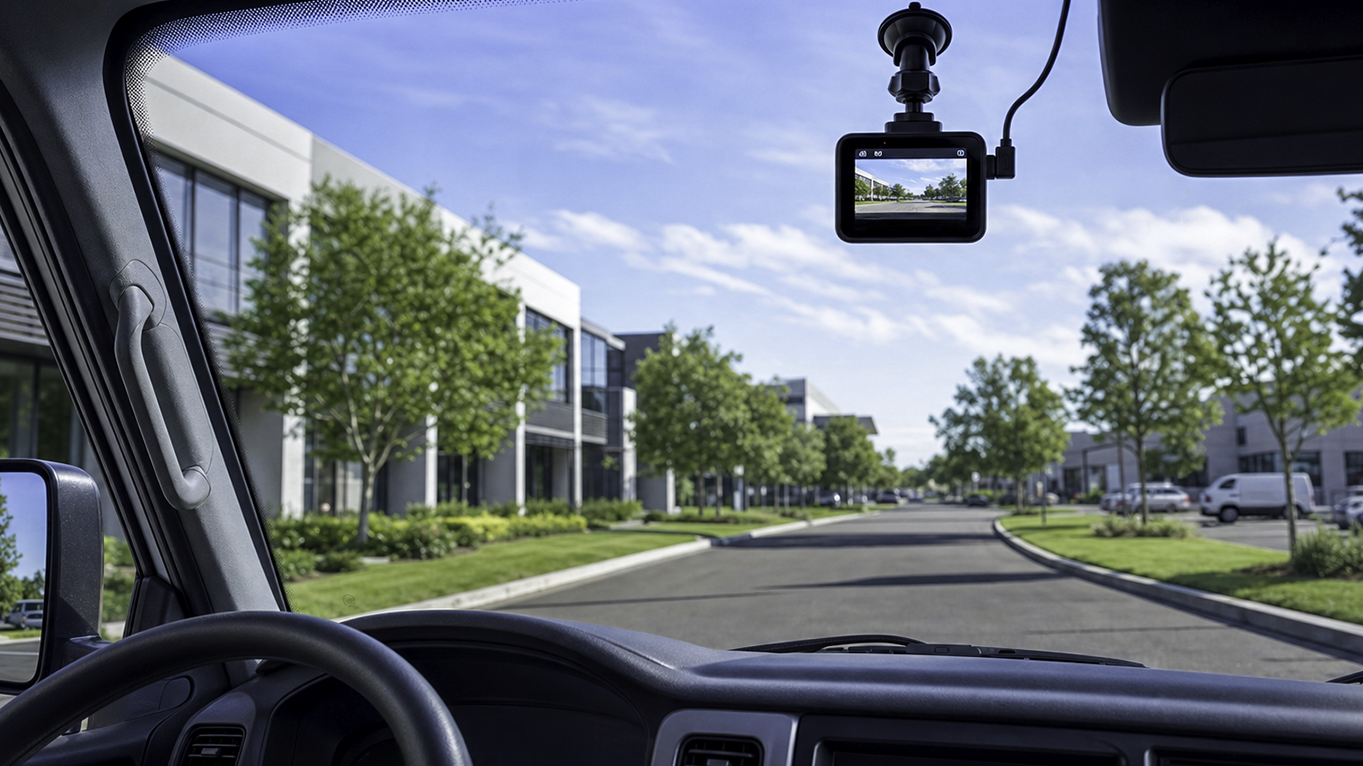
The device and the software split the work cleanly. The tracking device plugs into the vehicle, records location, reads diagnostic data from the onboard computer, detects driving events like hard braking with its own sensors, and sends that data over a cellular connection. The software stores and organizes that data, triggers your alerts, and is where every day-to-day decision gets made. For a closer look at how the two layers fit together, see our guide to the difference between a tracking app and a GPS tracker.
What Does GPS Tracking Software Do?
Features vary by vendor, but GPS tracking software for business use should include these core tools.
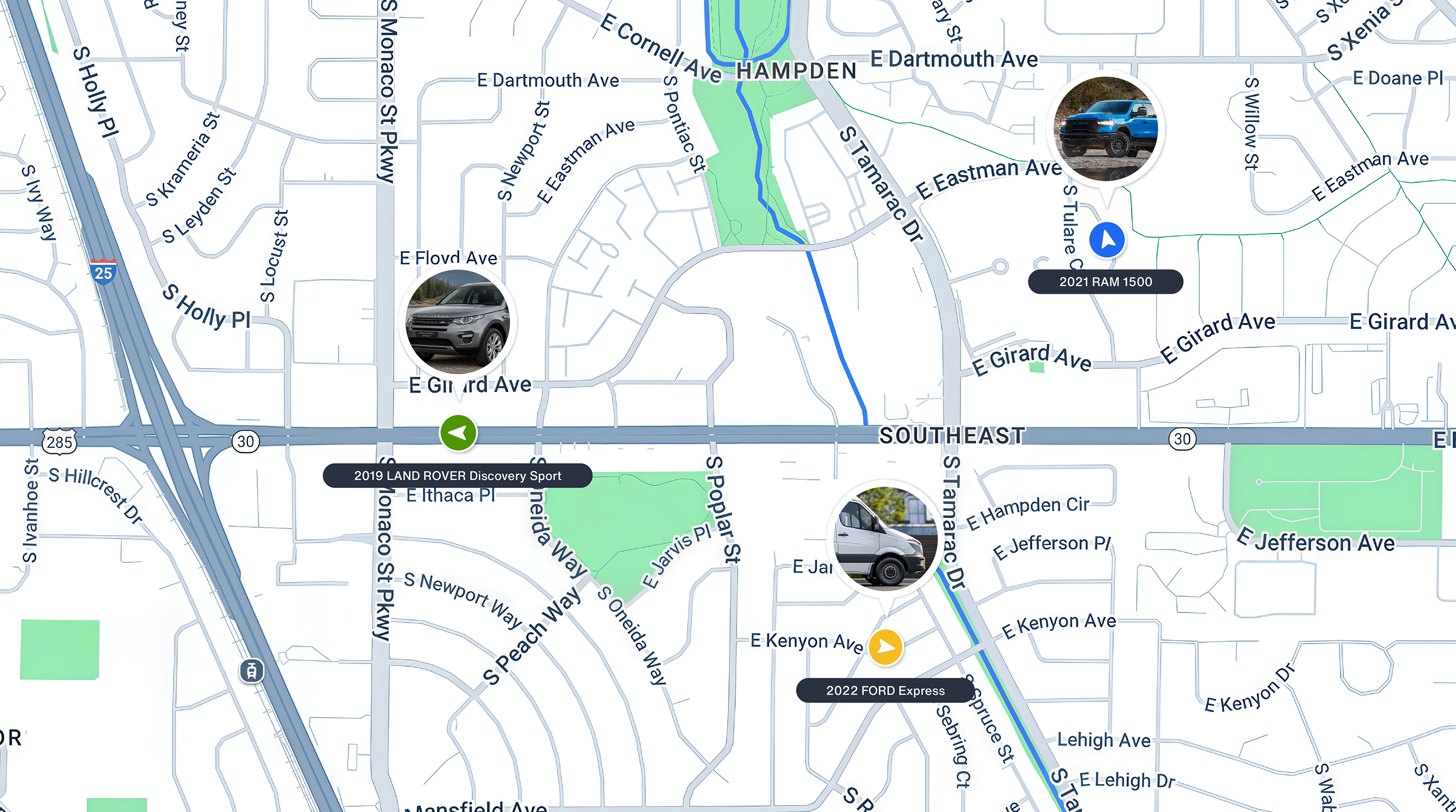
- A live map that shows exactly where every vehicle is in real time, enabling quick operational decisions.
- Trip history, a record of where each vehicle went, when it traveled, and how safely it was driven.
- Alerts, typically delivered as smartphone notifications, for important events like arriving at or leaving a customer site, speeding, hard braking, excessive idle time, after-hours use, and diagnostic trouble codes (DTCs), such as the code behind a Check Engine light.
- Reports and data exports to monitor operational metrics such as mileage, idle time, driver behavior, and specific trips. Reporting and integrations help you incorporate the GPS tracking software into existing business systems like payroll or billing.
- User access controls that set who can see which vehicles in your fleet.
What a Fleet Manager Should See on a Monday Morning
The tracking device gets so much attention partly because hardware specs are easier to compare than software is to judge from a feature list. A better test of GPS tracking software is what it can show you in the first 15 minutes of the work week.
If the software can’t answer critical operational questions quickly, it’s not doing its job. When you open the dashboard on Monday, you should easily see:
- Weekend use: A clear list of vehicles that moved outside business hours and where they went.
- Weekend alerts: Every critical notification since Friday, such as engine diagnostic codes, low battery warnings, or alerts that a tracking device was unplugged.
- Driving behavior: A summary of last week’s speeding and hard braking events, plus any other driving behaviors you track.
- Idle time: An easy-to-read report of fleet idle time by vehicle, showing which vehicles waste the most fuel.
- Maintenance needs: Any routine service coming due this week based on mileage, plus any repairs flagged by DTC alerts.
- Connection status: A clear flag for any vehicle that hasn’t reported in, so you can fix the problem before the first job of the week.
With the right software, you might log in at 7:30 a.m. on Monday and see two alerts right away. Van 4 was driven late Saturday night, and Van 6 logged a diagnostic trouble code on Friday afternoon. Because the software surfaced both issues, you can handle them before the week’s first dispatch instead of discovering them midweek when a van breaks down.
How to Judge the Software Side Before You Buy
Run these six checks during any demo or trial.
- Write down the five specific questions you need answered every single week. You can use the Monday morning list above as a starting point.
- Ask for a demo or sign up for a trial, and try to answer each of those five questions yourself in under a minute without asking for help.
- Test the software on a desktop browser. Don't just test the mobile app, since you'll likely do your heavy administrative work on a desktop.
- Set up two customized alerts and draw one geofence yourself. Note how long it takes and how intuitive the menus are.
- Export a basic mileage report and open it in the tool you already use for your business, whether that is a spreadsheet, accounting software, or a payroll system.
- Add a second user to the account with limited access and log in as them to check what they can and cannot see.
A strong software platform passes a few key tests. You should be able to answer the Monday morning questions in minutes, not by digging through confusing menus. Alerts must be tunable so the important notifications are not buried under minor updates. Data must export in a widely usable format like CSV or Excel. User permissions must match exactly how your business is organized. Finally, the fleet tracking cost and contract terms must be clear, with no long lock-in periods designed to trap a small fleet.
To view the full list of technical capabilities to check against, see our fleet tracking features guide. If you need tools beyond tracking, see how a GPS fleet management system compares.
Mistakes to Avoid
As we’ve discussed, the most common mistake is choosing a provider based entirely on hardware specs and never opening the software before buying. Another frequent misstep is testing only the mobile app when most daily operational work happens at a desk.
Many managers also ruin the experience by turning on every alert on day one and then ignoring them out of fatigue. Another costly mistake is assuming reports will export cleanly, then finding out a month in that they don’t.
Finally, buyers sometimes confuse vehicle tracking software with simple asset tag tracking or cell phone tracking apps, which serve completely different purposes. Talk with the vendor and test the software to make sure it meets your needs.
How Bouncie's Software Works for Small Fleets
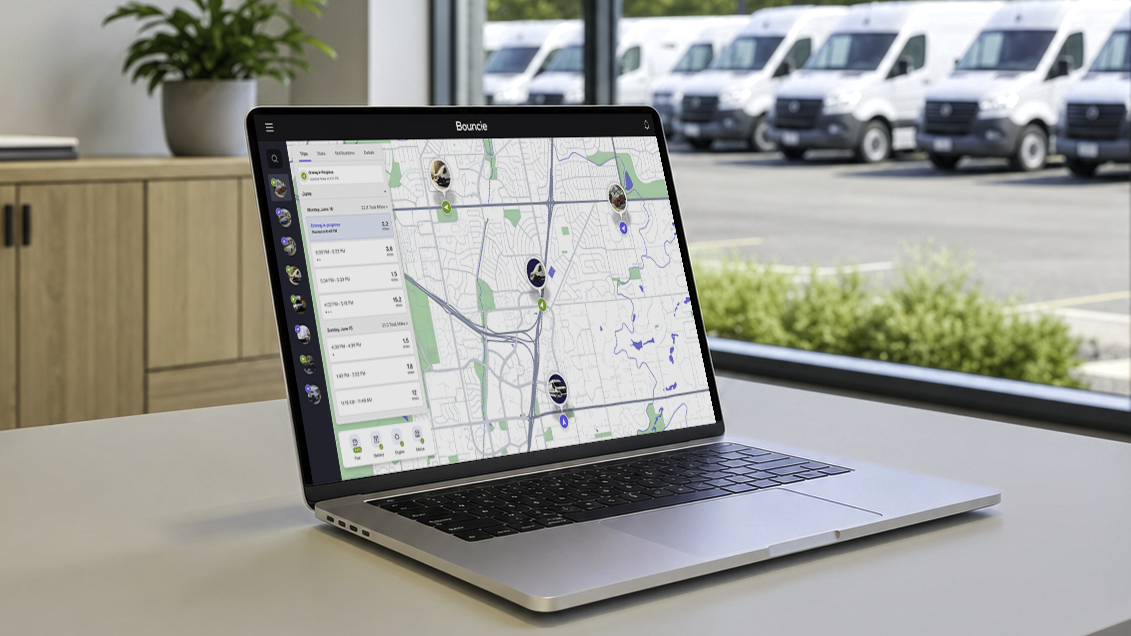
Some GPS tracking software is built for large enterprises, and some is too minimal to answer the Monday morning questions. Bouncie is built for small and mid-sized fleets, and it is a software platform first. The Bouncie device is the connection point. The work happens in the software, which is known for its sleek and intuitive interface and runs in the Bouncie phone app and at bouncie.app in any desktop browser. Most Bouncie fleet customers run their day from the desktop and use the phone app for notifications and quick checks on the road.
The dashboard and interactive maps show your whole fleet at a glance, and each item on the Monday morning list has a matching feature.
- Weekend use: Curfew alerts flag any vehicle driven outside the hours you set, and trip history shows where it went.
- Weekend alerts: Tamper, battery, and diagnostic trouble code alerts arrive as notifications, so anything that happened since Friday is waiting for you.
- Driving behavior: Speed alerts at the threshold you set and hard braking events show patterns worth a conversation with a driver.
- Idle time: Idle time alerts and trip data show which vehicles idle the most.
- Maintenance needs: Maintenance Scheduling tracks service by mileage and date, and DTC alerts flag engine issues as they appear.
- Connection status: Device Status checks connectivity automatically, so a vehicle that stops reporting stands out.
Geo-Zone alerts tell you when a vehicle arrives at or leaves a customer site, and trip logging, custom trip tagging, and route details build a record of every job. Reporting covers trips and driving trends, and data exports download trip and maintenance records as CSV files you can open in a spreadsheet. User access management gives each manager or staff member view-only or full access. The digital Glovebox Organizer keeps insurance, registration, and service records in one place, and teams already using Fleetio can connect it through Bouncie’s Fleetio integration. Teams with their own systems can pull data through the Bouncie API.
Frequently Asked Questions About GPS Tracking Software
Now let’s address some of the questions that business owners and fleet managers often have about GPS tracking software:
What is GPS tracking software?
GPS tracking software, also called fleet tracking software, is the phone and web application that turns location and diagnostic data from a tracking device in each vehicle into a live map, alerts, trip history, and reports you can use to run your fleet.
Do I need a separate device to use GPS tracking software for vehicles?
For vehicle tracking, yes. The software relies on a tracking device in each vehicle to collect location and engine data, and you use the software to view and act on that data. Phone-only apps skip the device, but they follow a phone rather than the vehicle.
Can I use GPS tracking software on a computer, not just a phone?
Yes. A strong system offers a full web app, not just a phone app. Bouncie’s web app runs at bouncie.app in any desktop browser, and most Bouncie fleet customers do their daily work there rather than on a phone.
Can GPS tracking software export data for other business apps like payroll or billing?
Many platforms can, but not all. Look for exports in a common format like CSV or Excel, and open a test export in the tool you already use before you buy. Bouncie exports trip and maintenance records as CSV files.
GPS Tracking Software Is Where the Work Happens
When you’re shopping for a GPS tracking system, you’ll find plenty of information about the tracker, so it’s easy to think the hardware is the star of the show. However, you use the software every day to manage your fleet, while you rarely think about the tracking device after you install it. Focus your research on the software. Good GPS tracking software answers your Monday morning questions in minutes, sends alerts you can tune, exports clean data, and gives each person on your team the right level of access.
Bouncie understands that vehicle GPS tracking software should be powerful but also give you quick answers to the questions fleet managers actually face. To get started, learn more about GPS fleet tracking from Bouncie.